Ready to secure your AD?
We’re here to help. At Ravenswood, we specialize in building secure and efficient AD environments for your organization. Our Microsoft experts can help you close security gaps, improve efficiency, and stay protected against evolving threats.
Speak to one of our AD experts to get started. They will:
- Listen to your current challenges and priorities
- Share initial insights and guidance
- Recommend next steps that make sense for your environment
Click to watch the full video below and complete the form to start the conversation.
[AD ESSENTIALS SERIES]
We recently launched the Ravenswood AD Essentials series – a collection of short videos paired with easy-to-follow swipe-through guides to help strengthen your AD Security posture.
AD Essentials Video & Guide #1
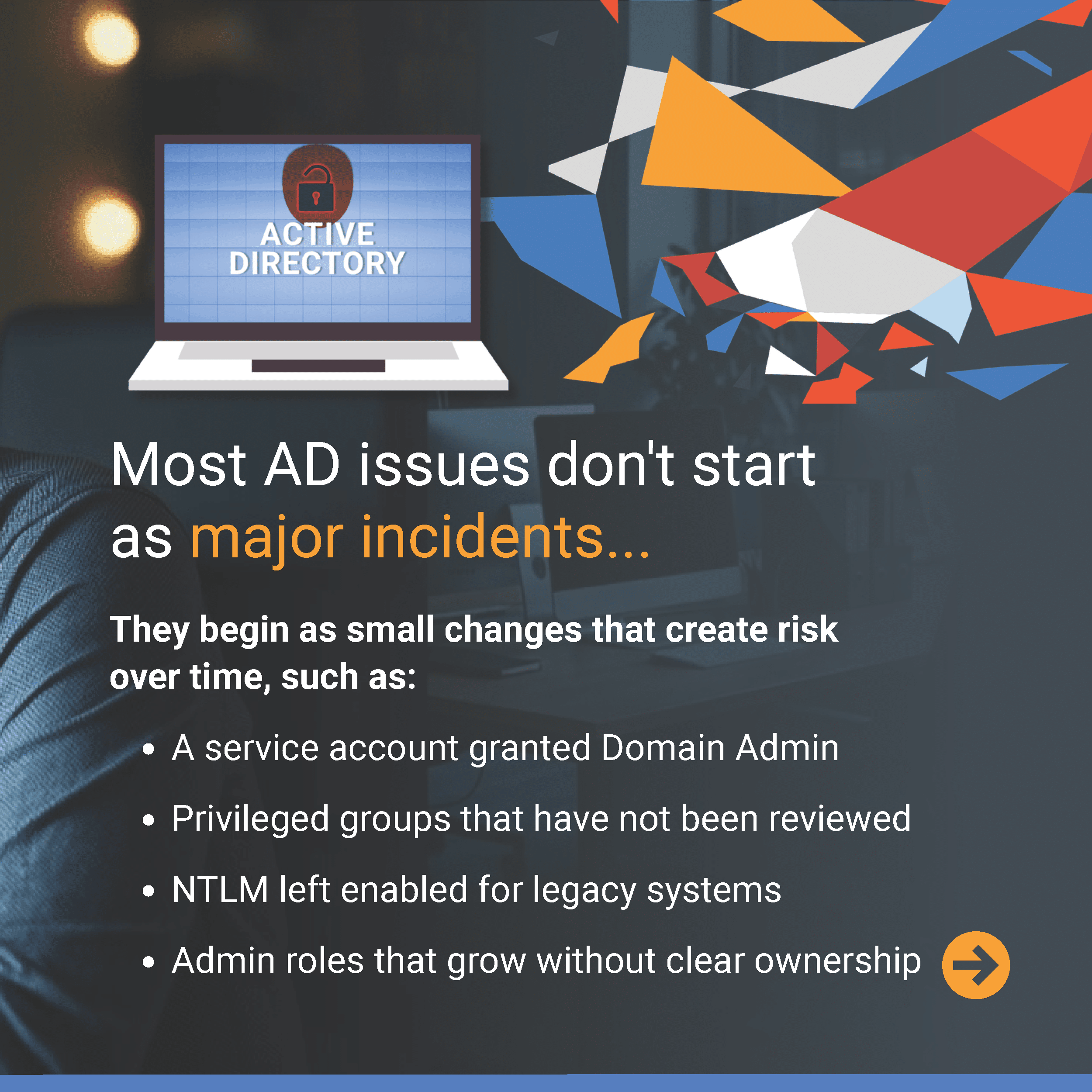
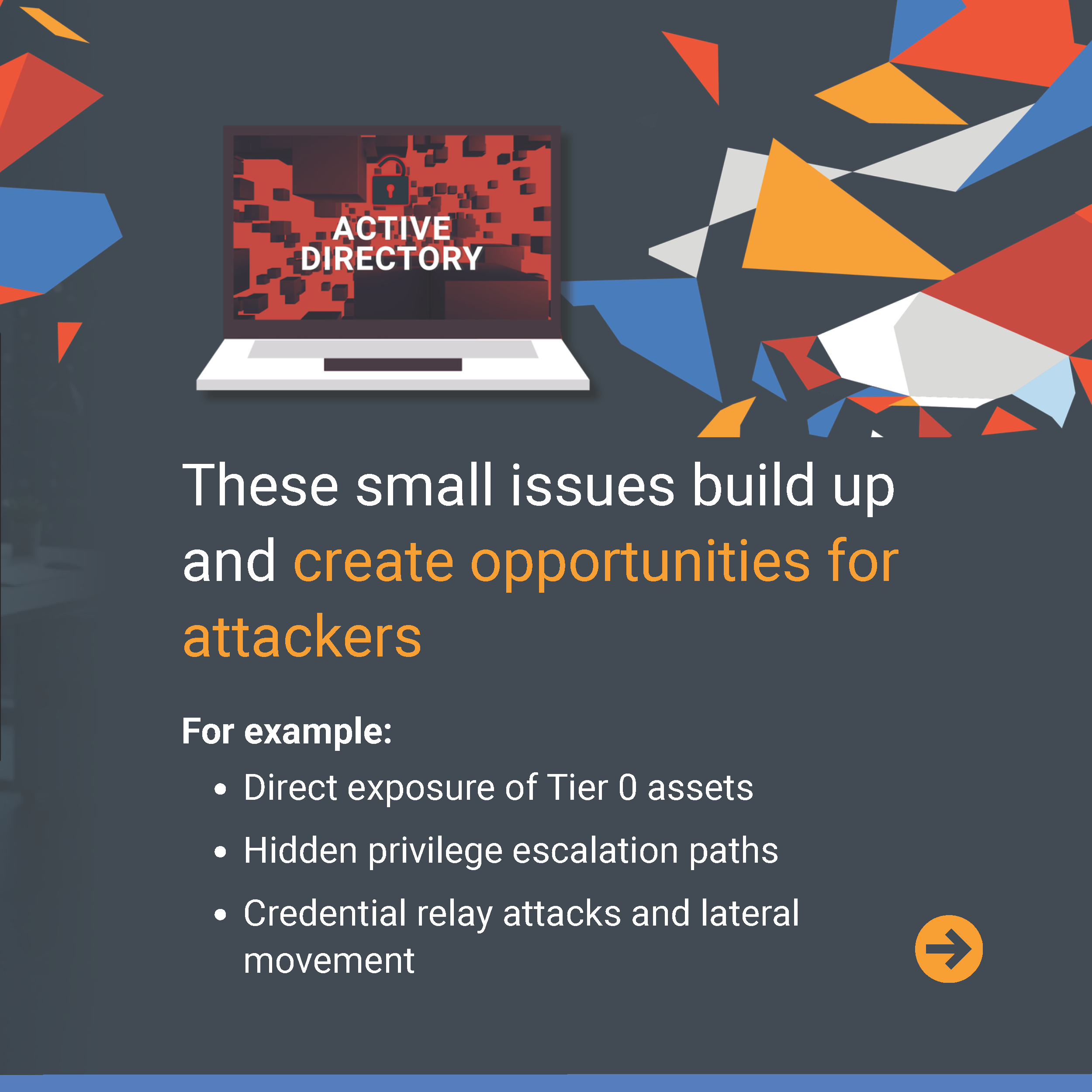
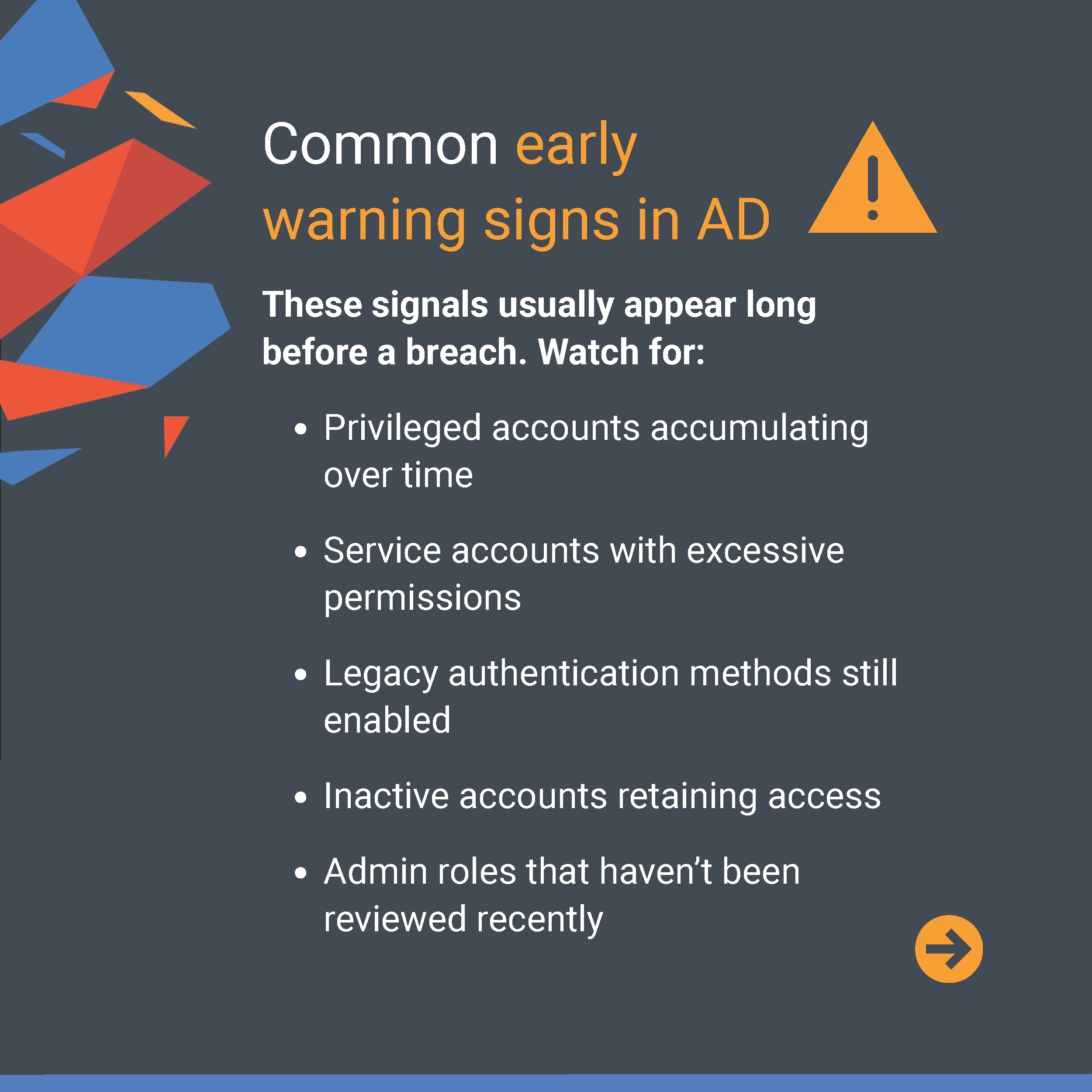
What if the real AD risks are the ones that slowly seep in before anyone notices? Identifying early warning signs can help stop small issues from spreading into major threats. AD Essentials Guide #1 highlights some of the warning signs security teams should watch for and how Ravenswood helps organizations uncover and address them. Swipe through to learn more.


AD Essentials Video & Guide #2
The biggest AD risks often stem from foundational gaps that develop over time, not just a single issue. Building a strong, well-structured environment is key to reducing exposure and maintaining long-term security. AD Essentials Guide #2 and its companion video walk through practical steps to help you assess your environment, strengthen access controls, and secure the most critical parts of your AD. Swipe through to learn more.


AD Essentials Video & Guide #3
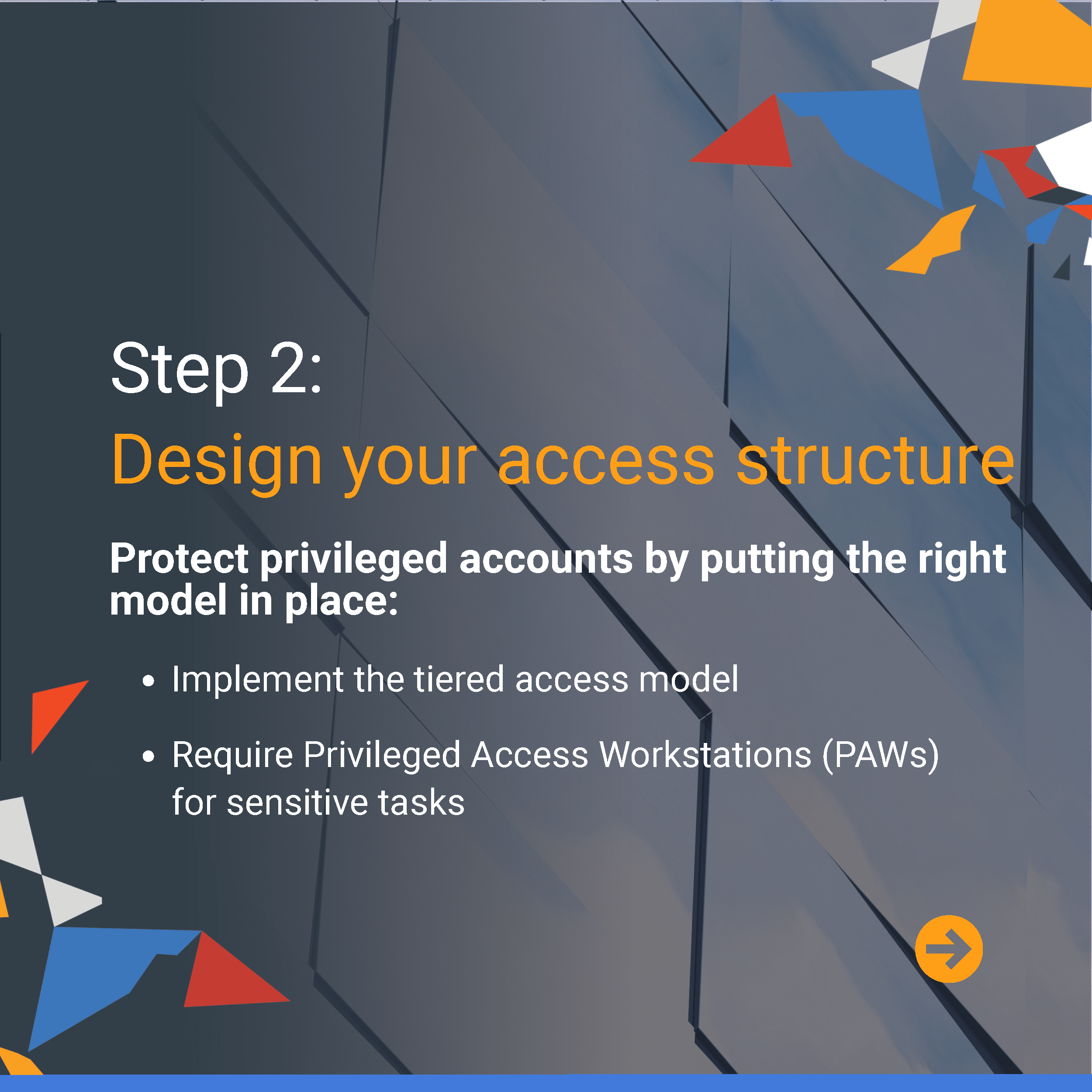
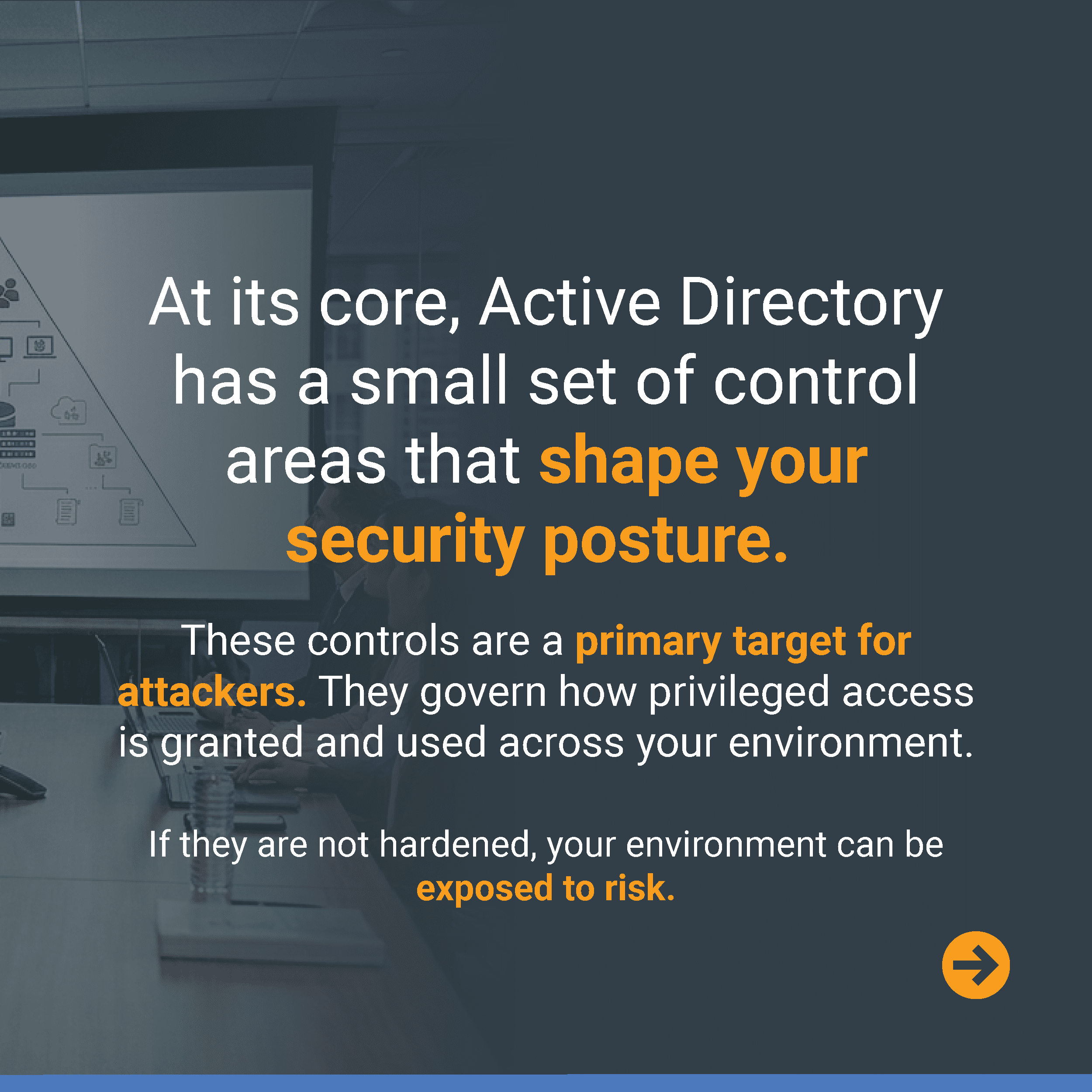
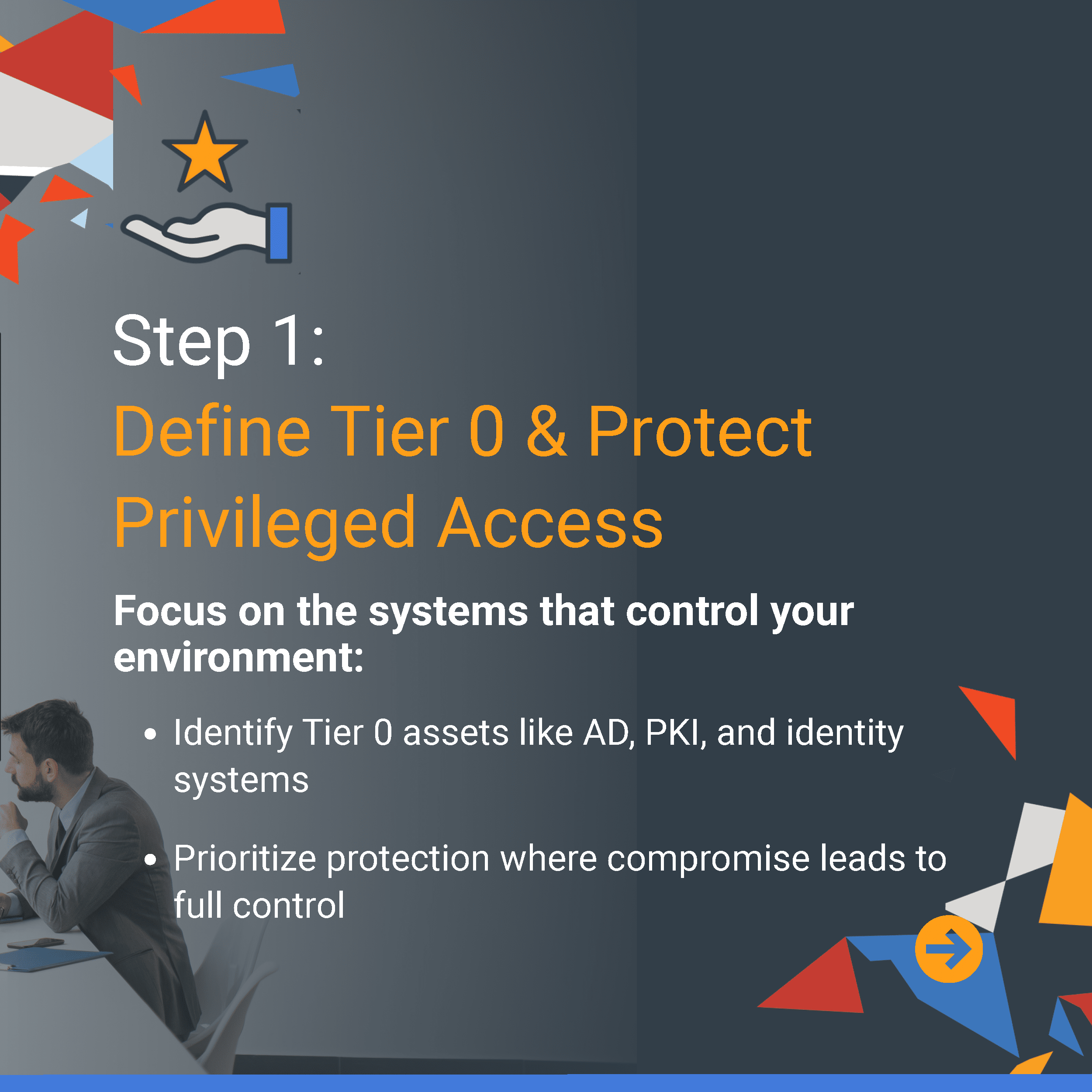
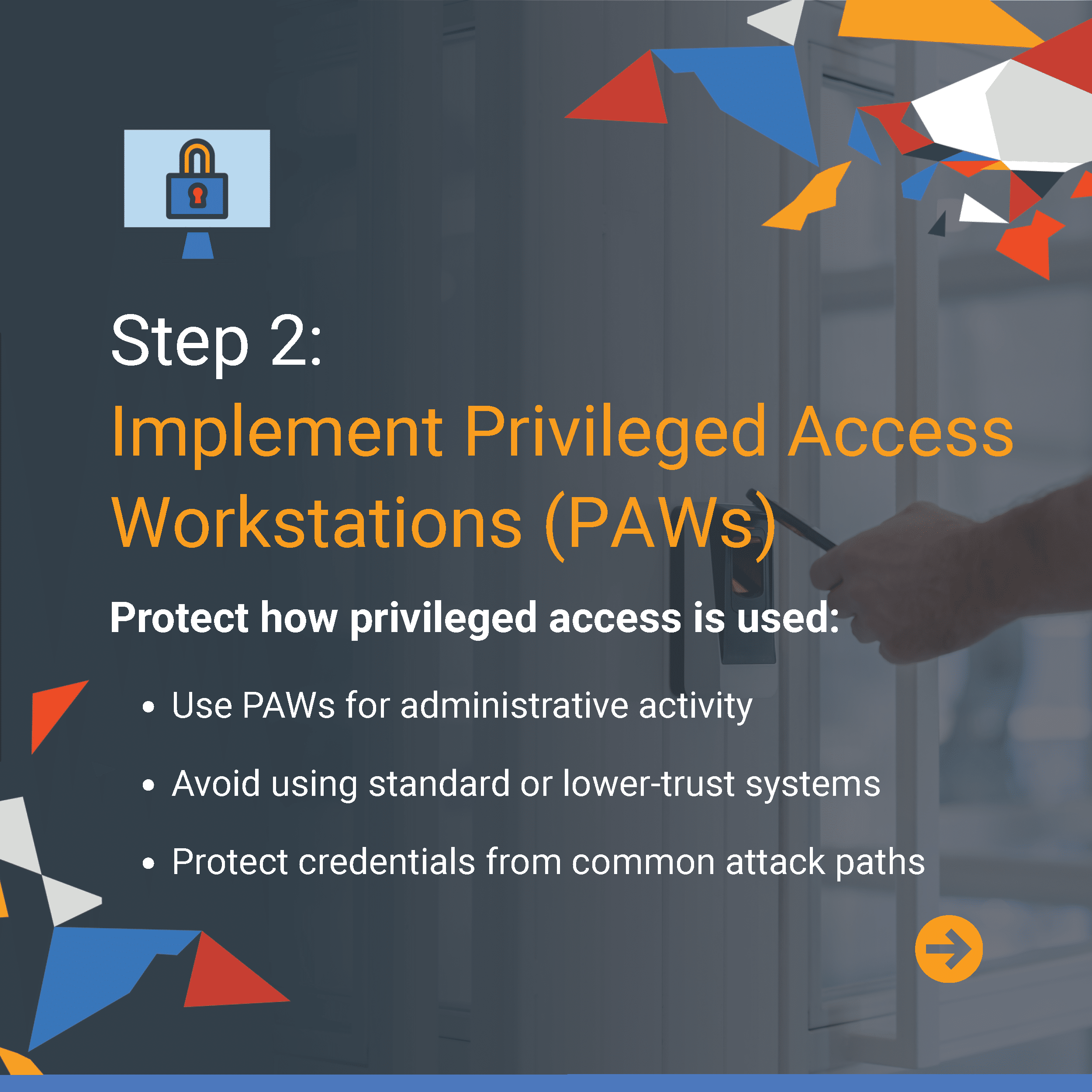
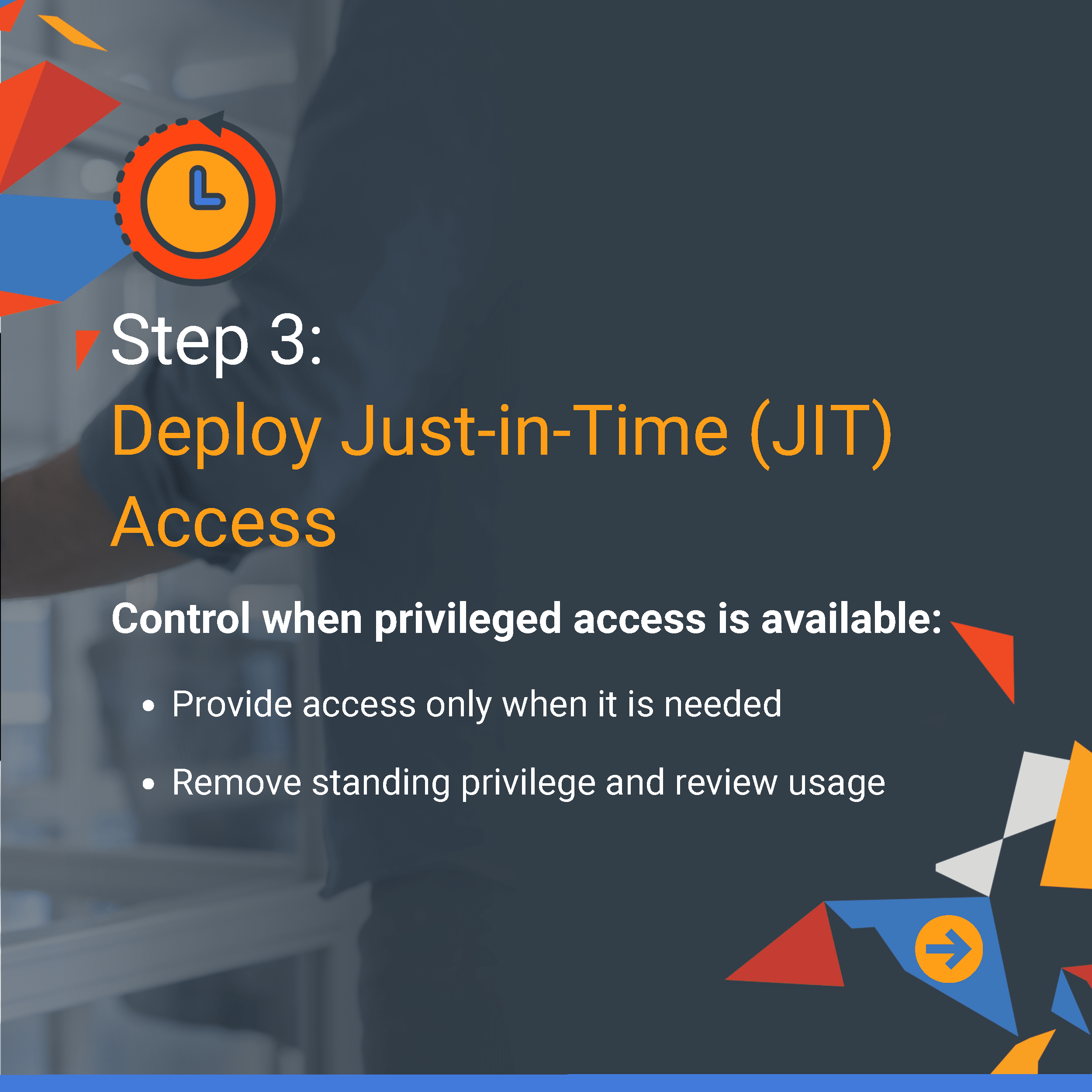
Active Directory security is shaped by a small set of core controls that govern how privileged access is managed across your environment. When these controls are not properly hardened, they can become a primary target for attackers and increase organizational risk. AD Essentials Guide #3 and its companion video explore practical steps to strengthen your security posture from the inside out, including protecting Tier 0 assets, implementing Privileged Access Workstations (PAWs), and deploying Just-in-Time (JIT) access. Swipe through to learn more.


AD Essentials Video & Guide #4
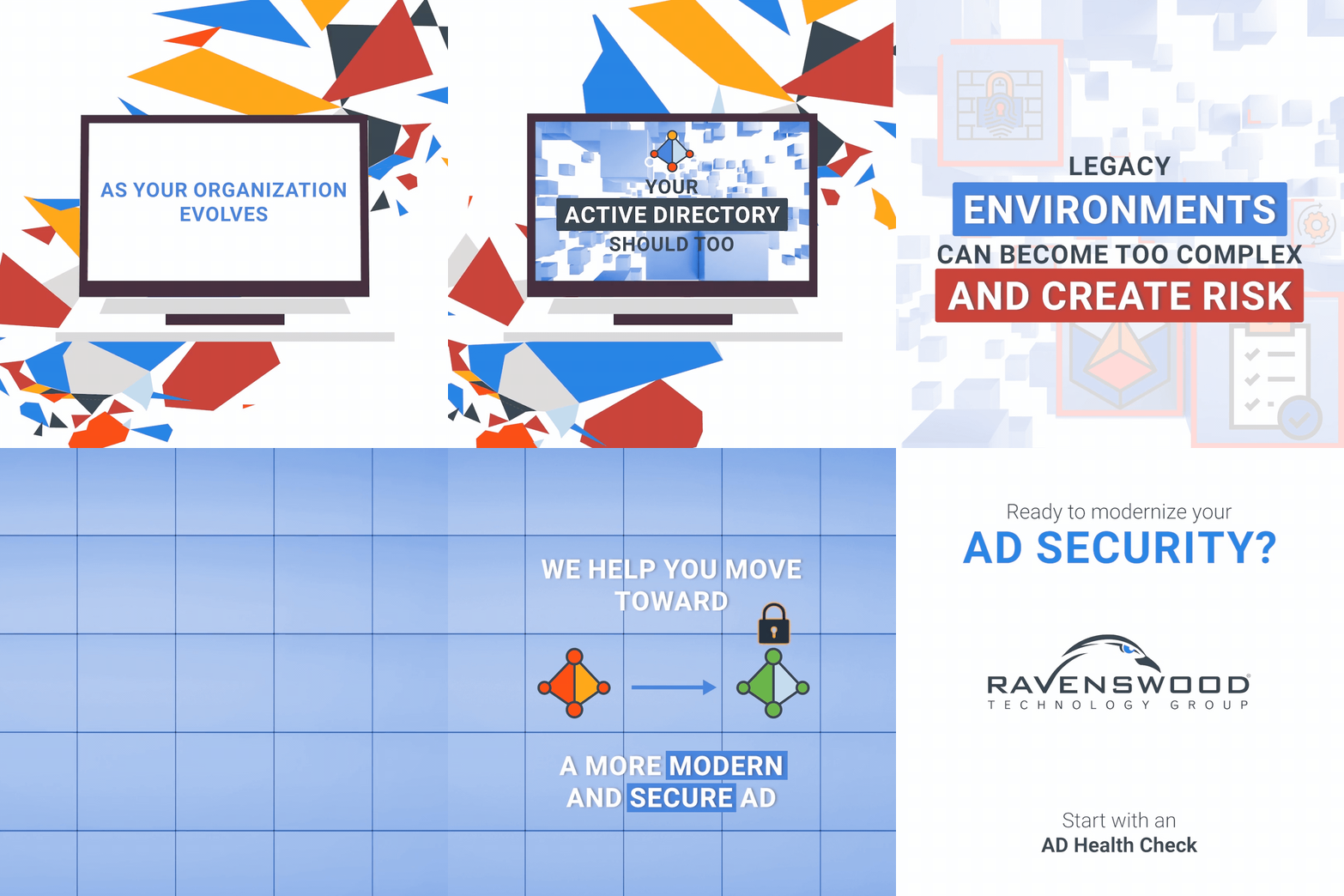
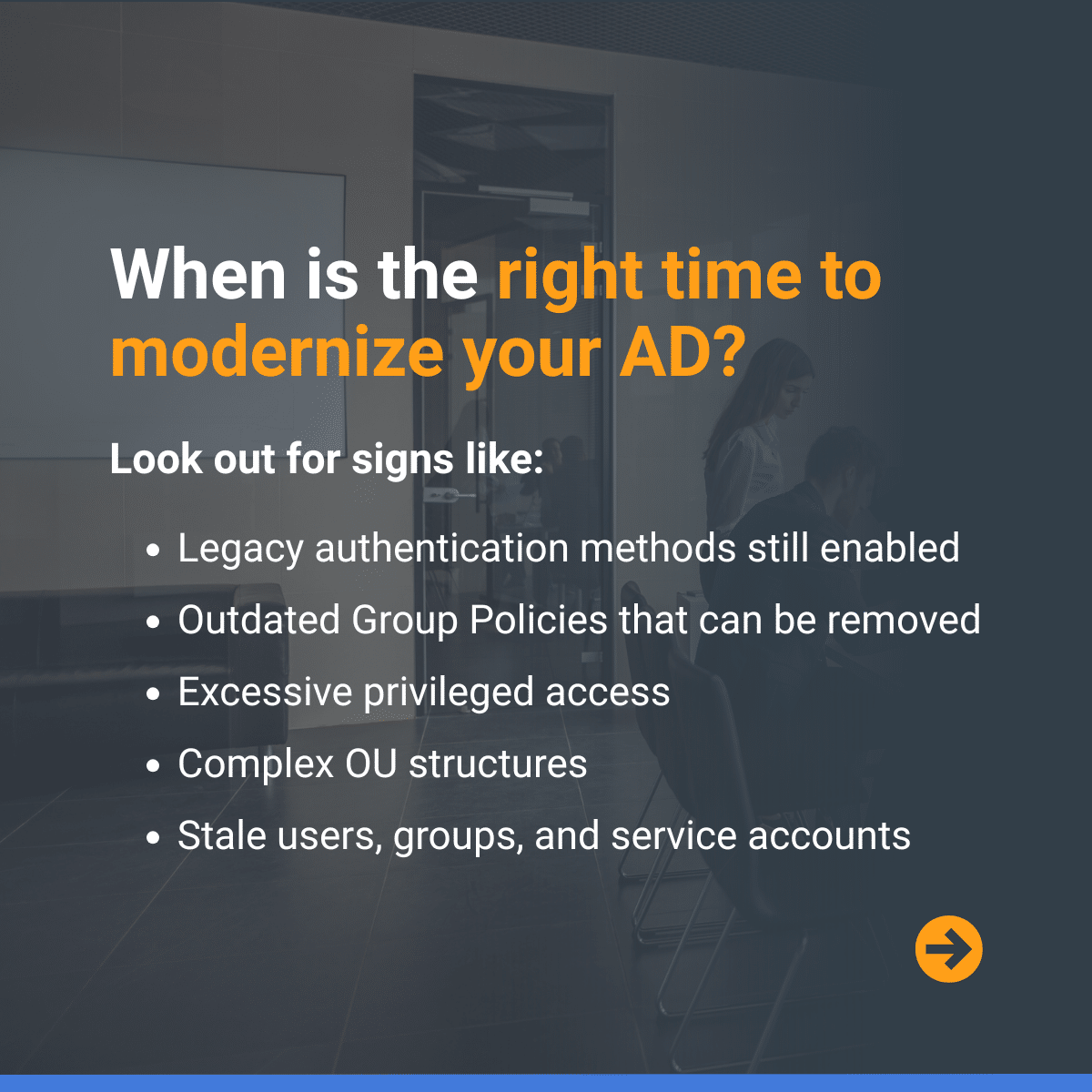
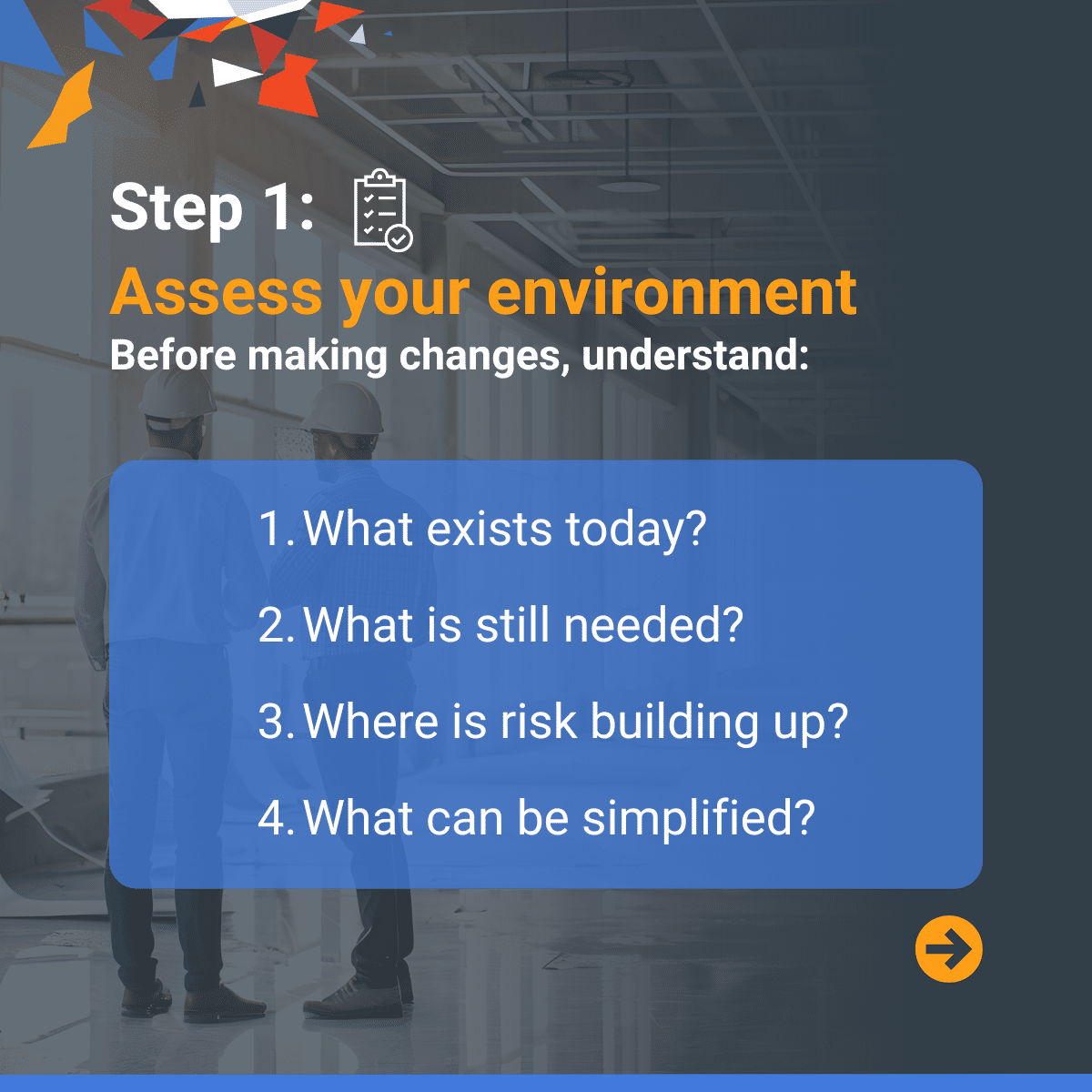
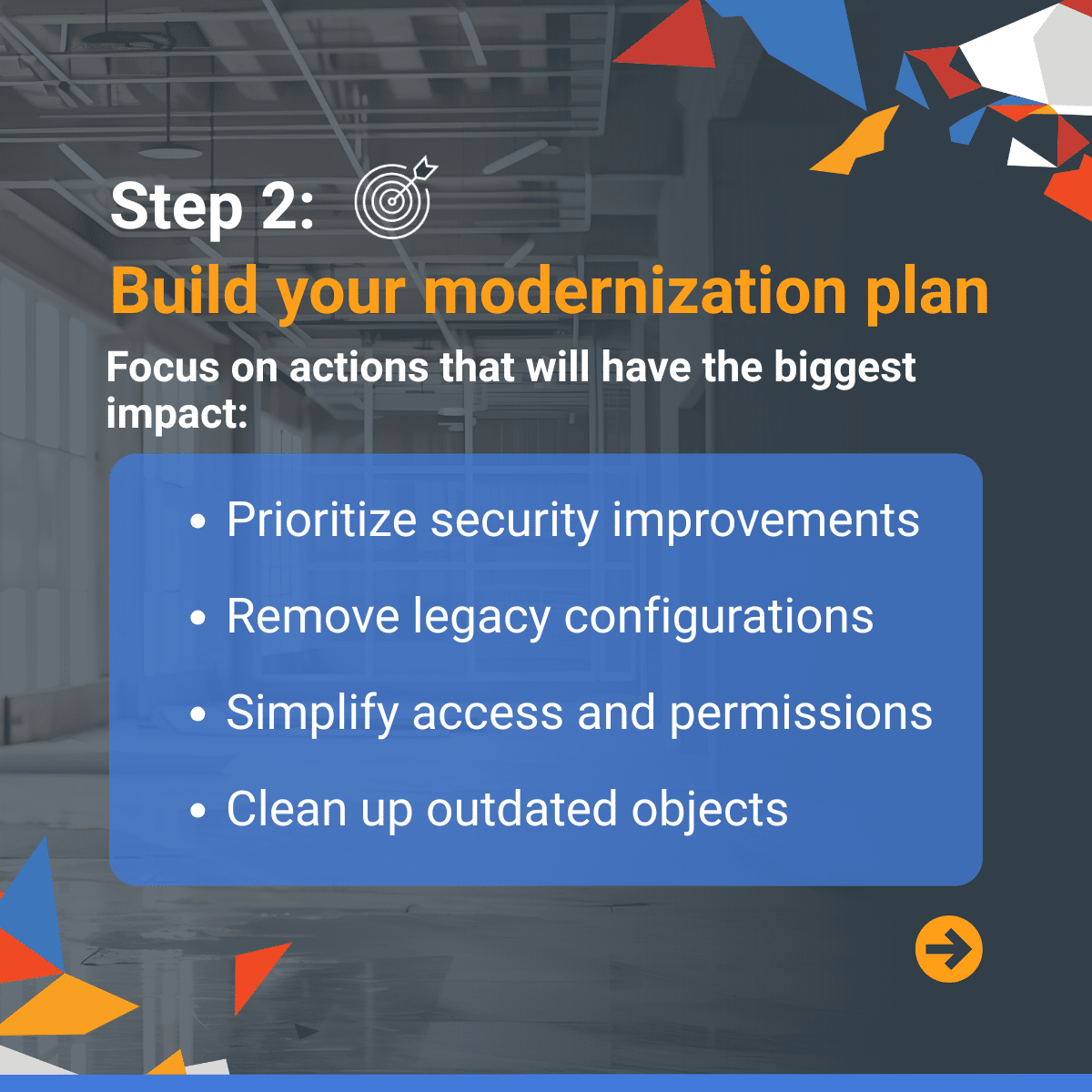
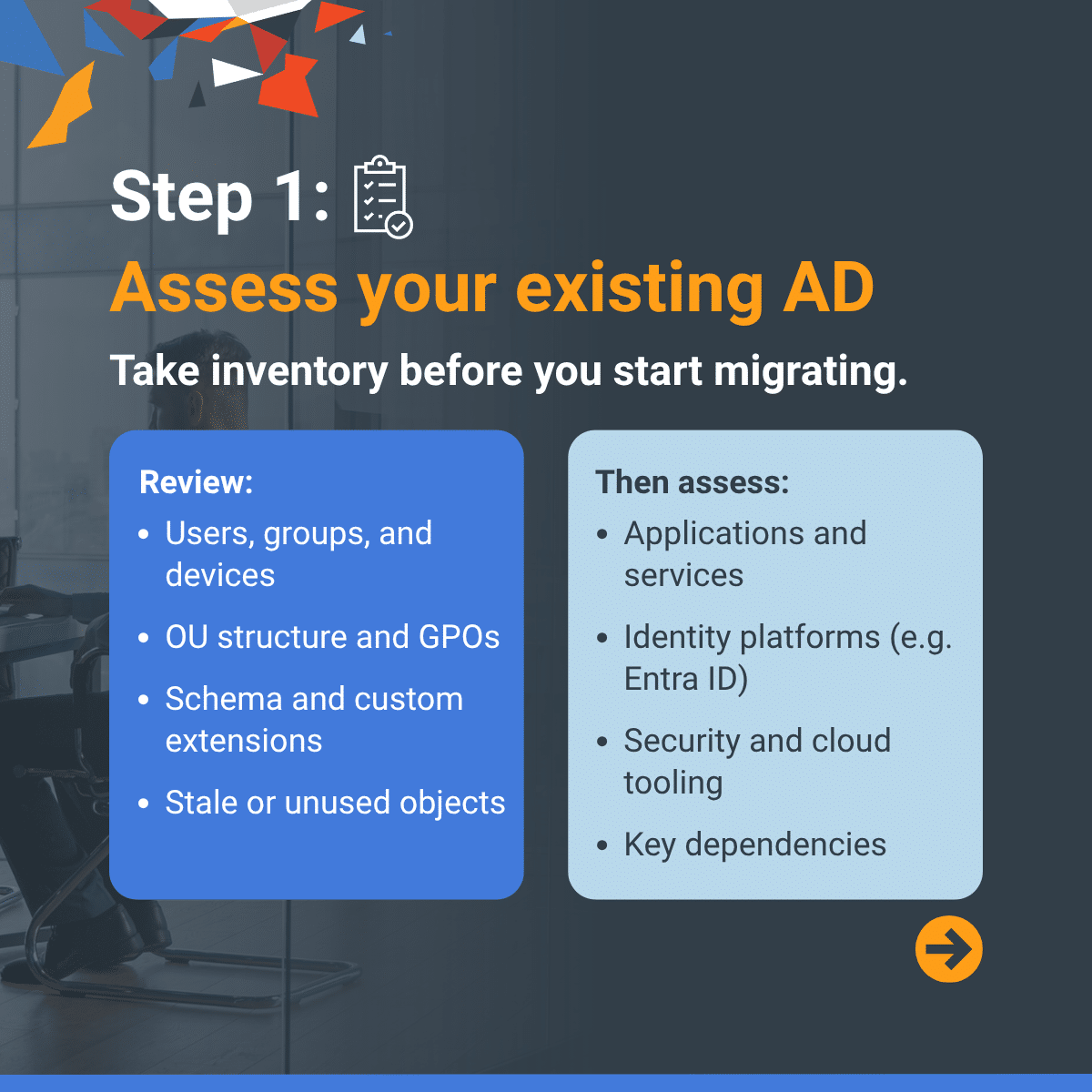
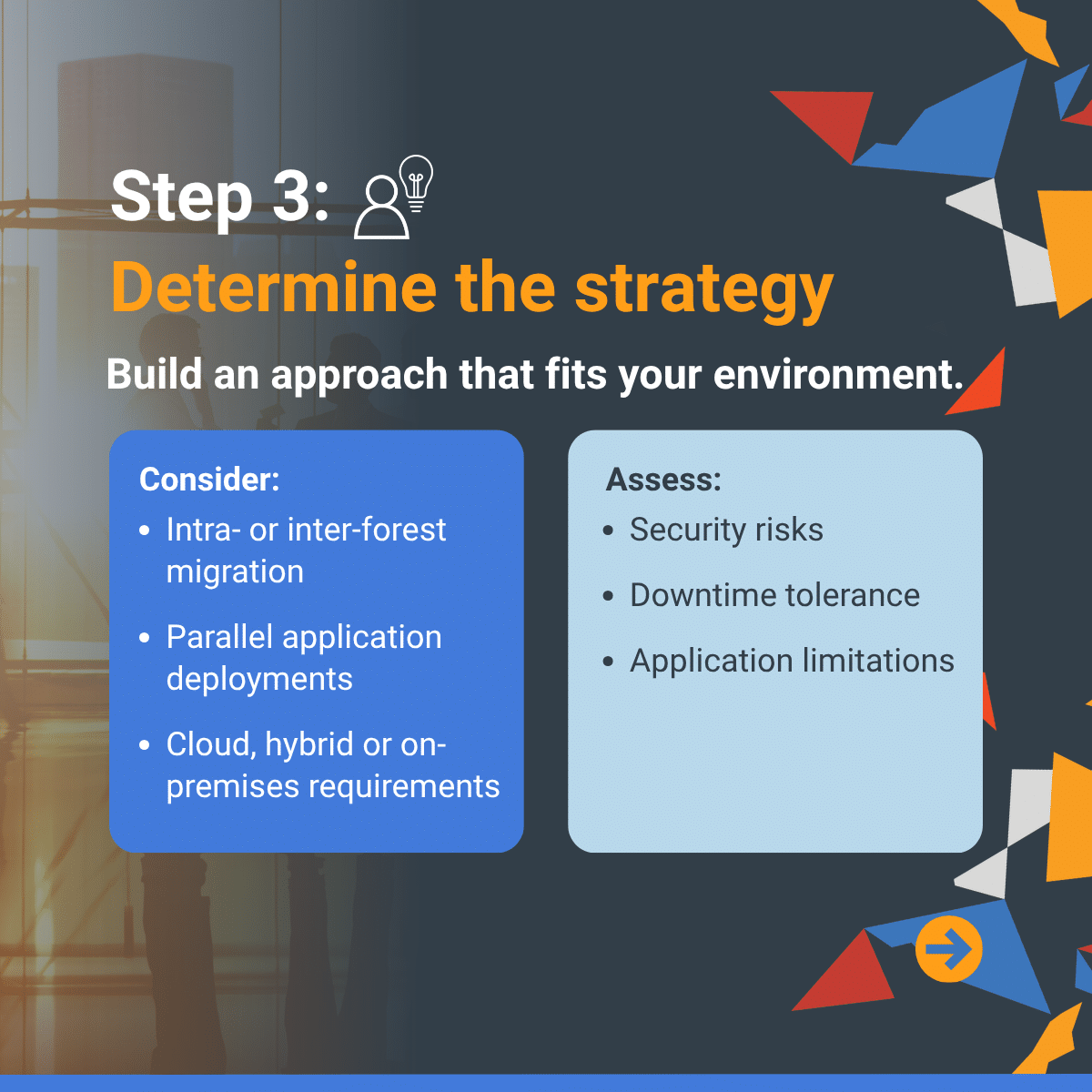
Modernizing Active Directory starts with understanding where complexity, risk, and technical debt have accumulated over time. This guide walks through the signs your environment may be ready for modernization, how to assess what exists today, and how to build a focused plan for improving security, simplifying management, and preparing AD for future business needs. Swipe through to learn more and schedule your AD Health Check here.




AD Essentials Video & Guide #5
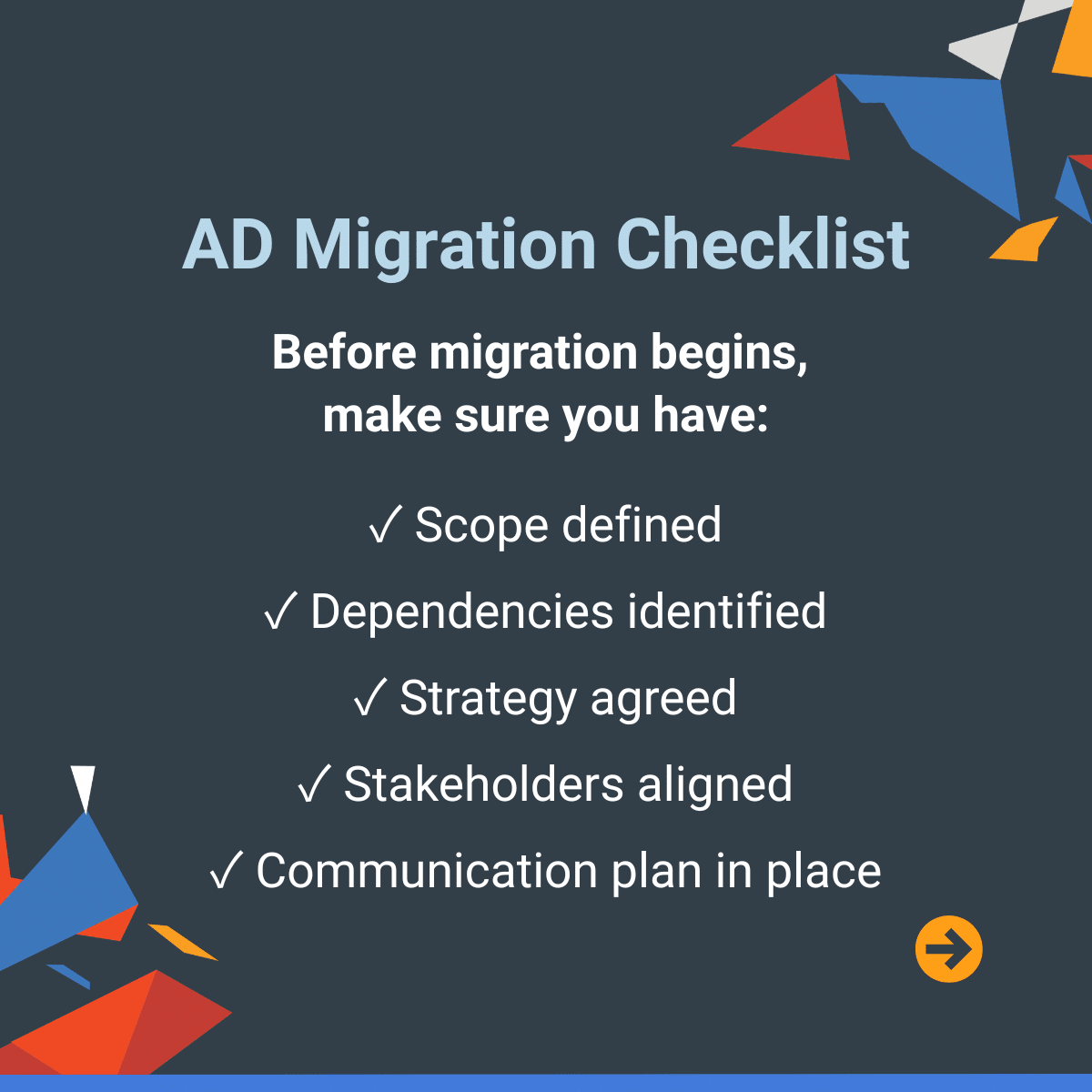
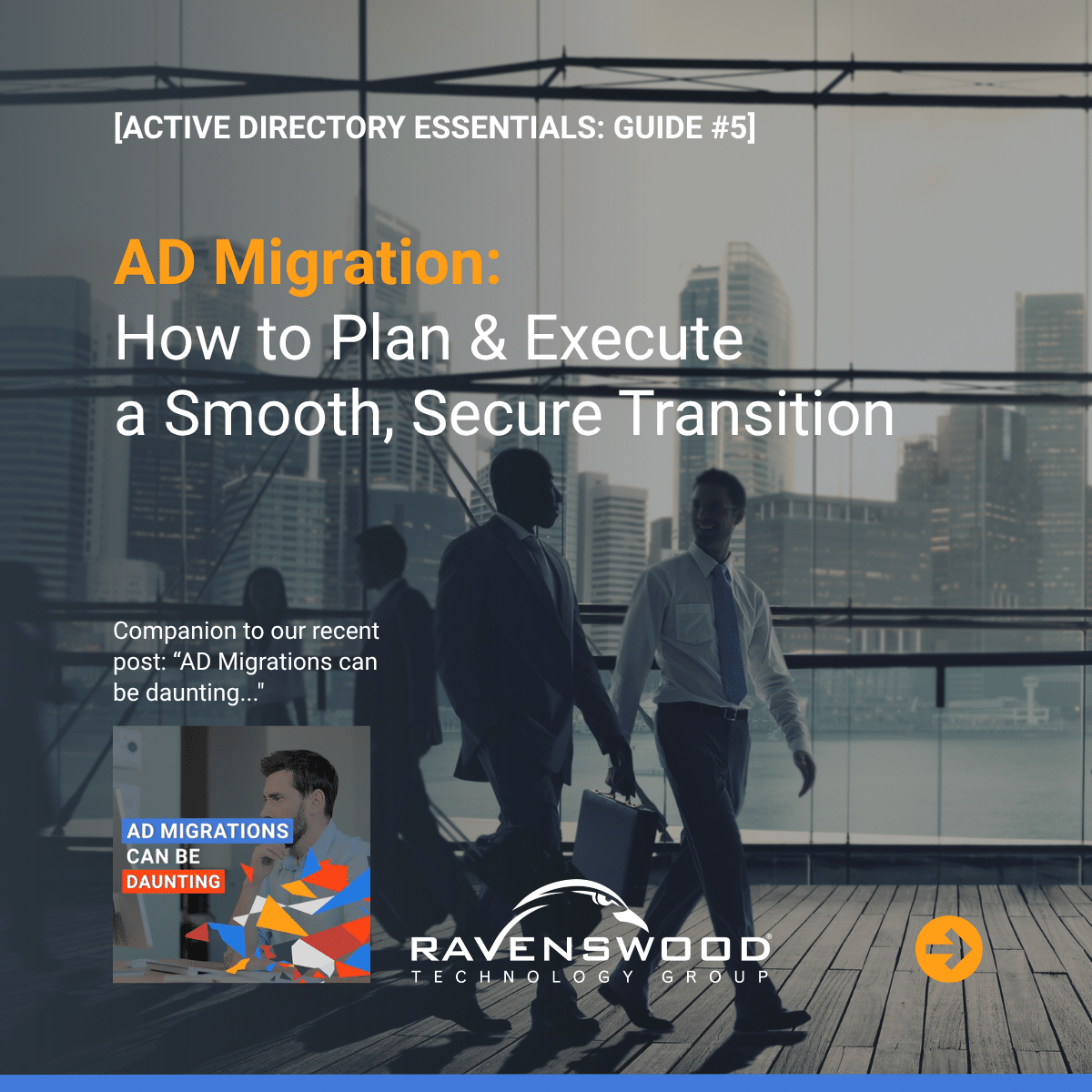
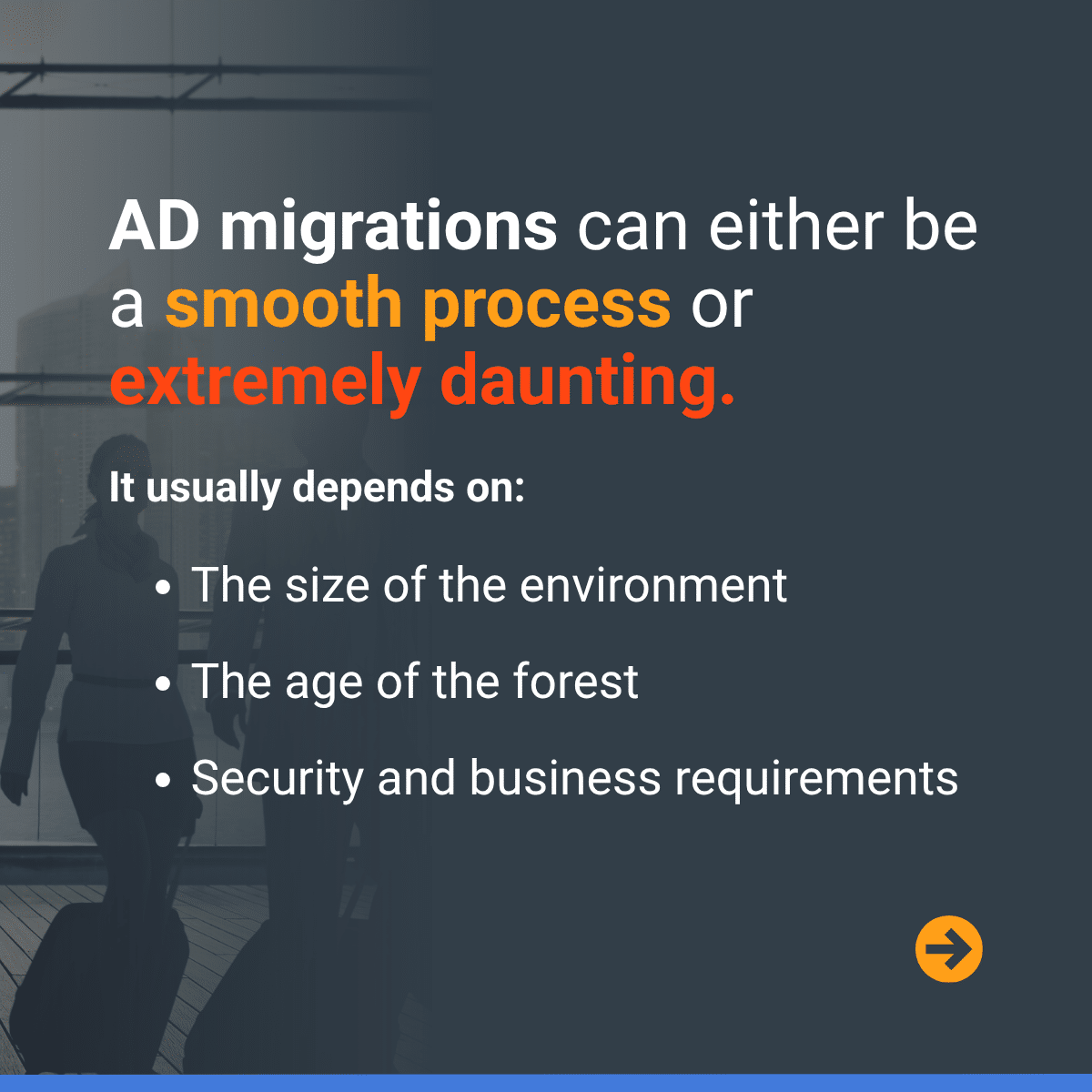
A successful Active Directory migration begins with a clear understanding of your current environment, migration goals, and potential risks along the way. This guide walks through the key steps of planning and executing an AD migration, from assessing your environment and defining scope to developing a strategy that minimizes disruption and supports long-term success. Swipe through to learn more.



[INFOGRAPHIC]
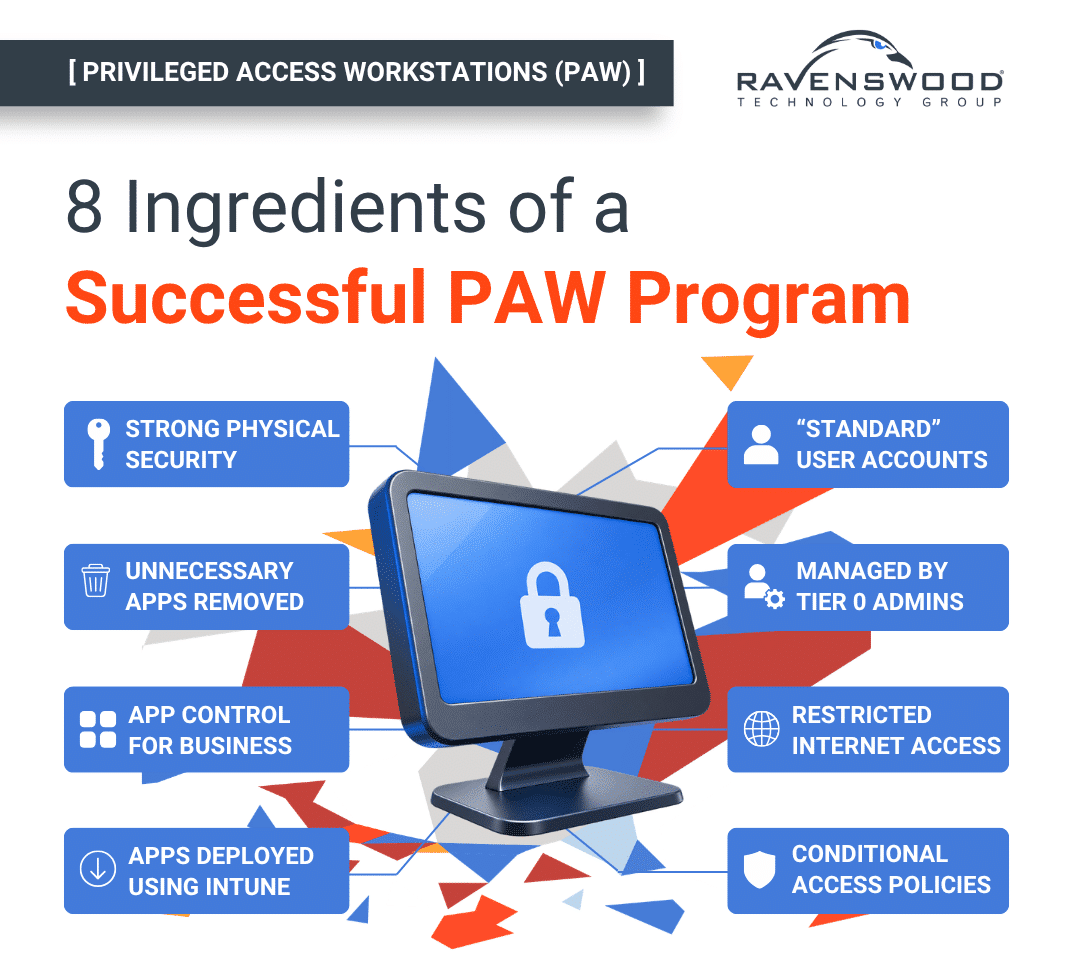
Ingredients of a Successful PAW Program
Privileged Access Workstations (PAWs) are a foundational security control for protecting administrative credentials and reducing the risk of privileged account compromise. This infographic outlines eight key ingredients of a successful PAW program, including application control, account separation, restricted internet access, and Tier 0 administration. Use it to assess your current approach and identify areas where your privileged access security may need strengthening.
[PAW DECISION TREE]
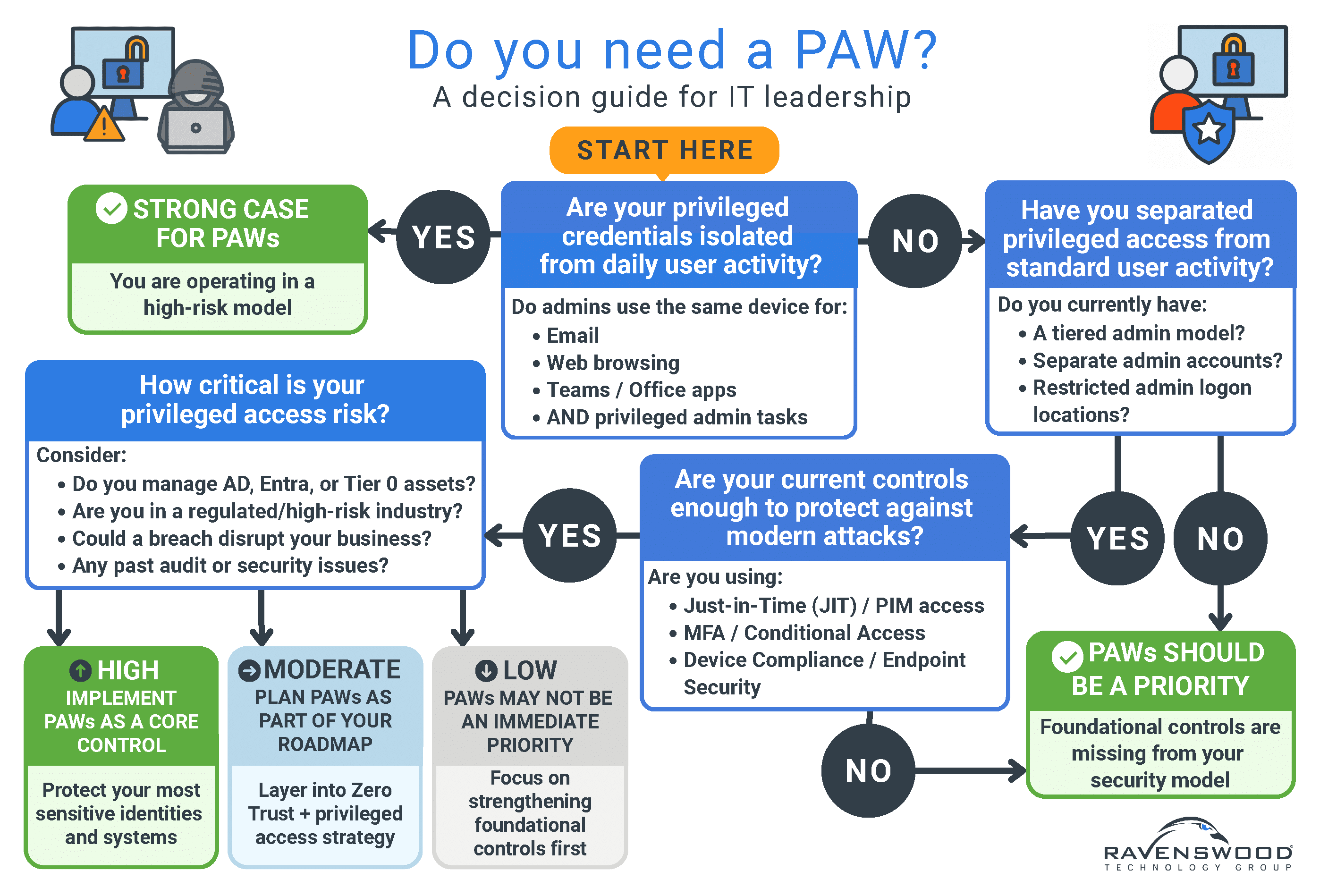
Do you need a PAW?
[ADDITIONAL RESOURCES]
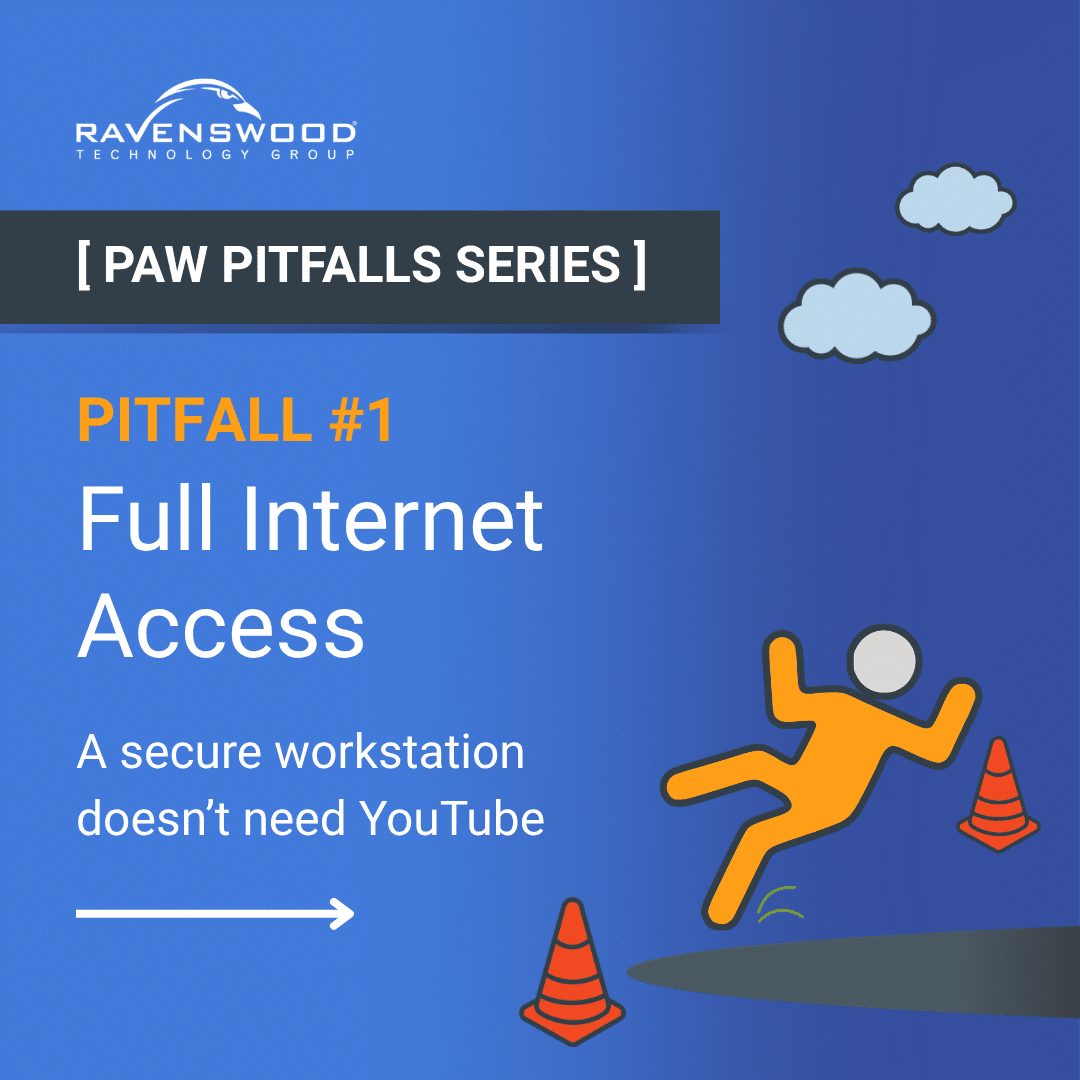
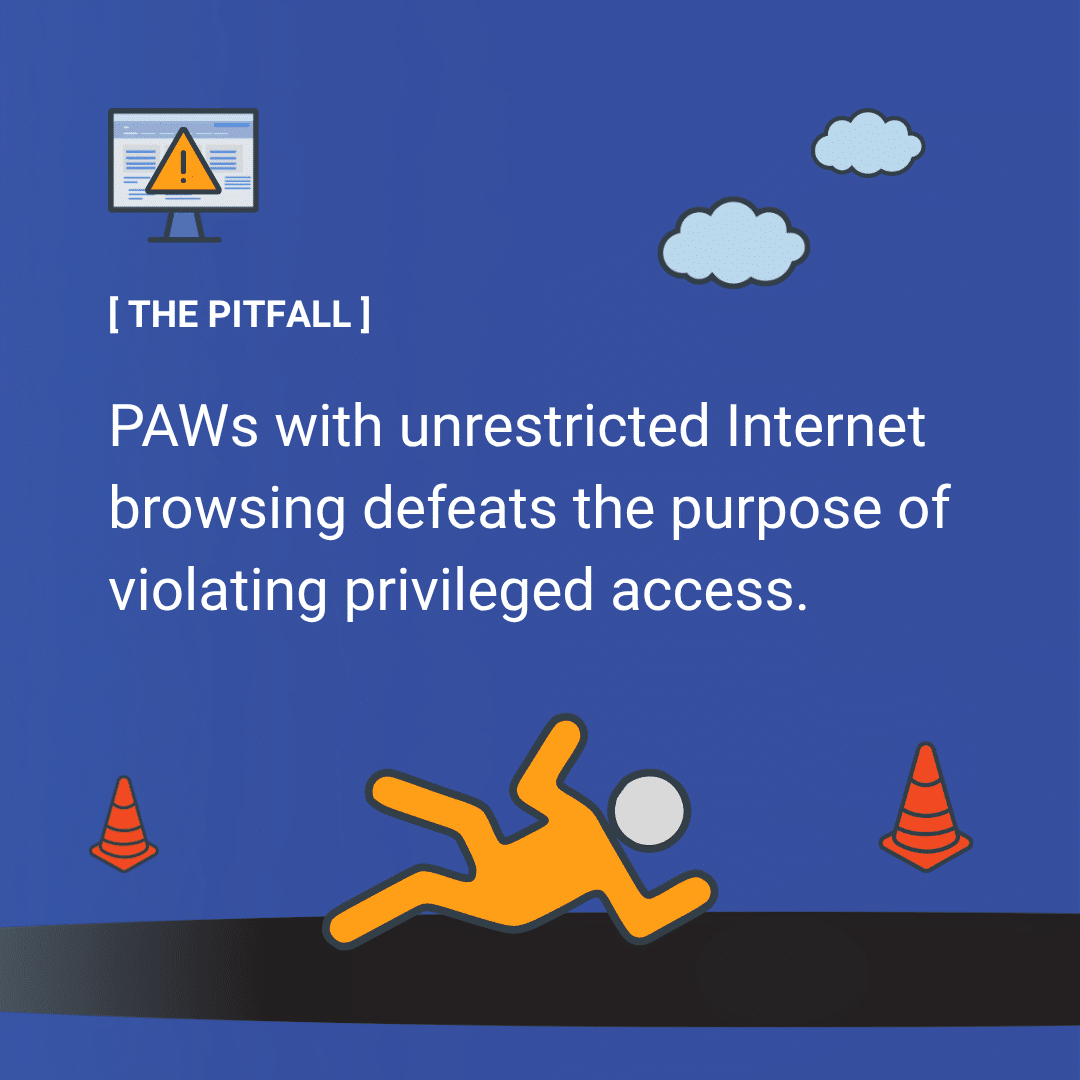
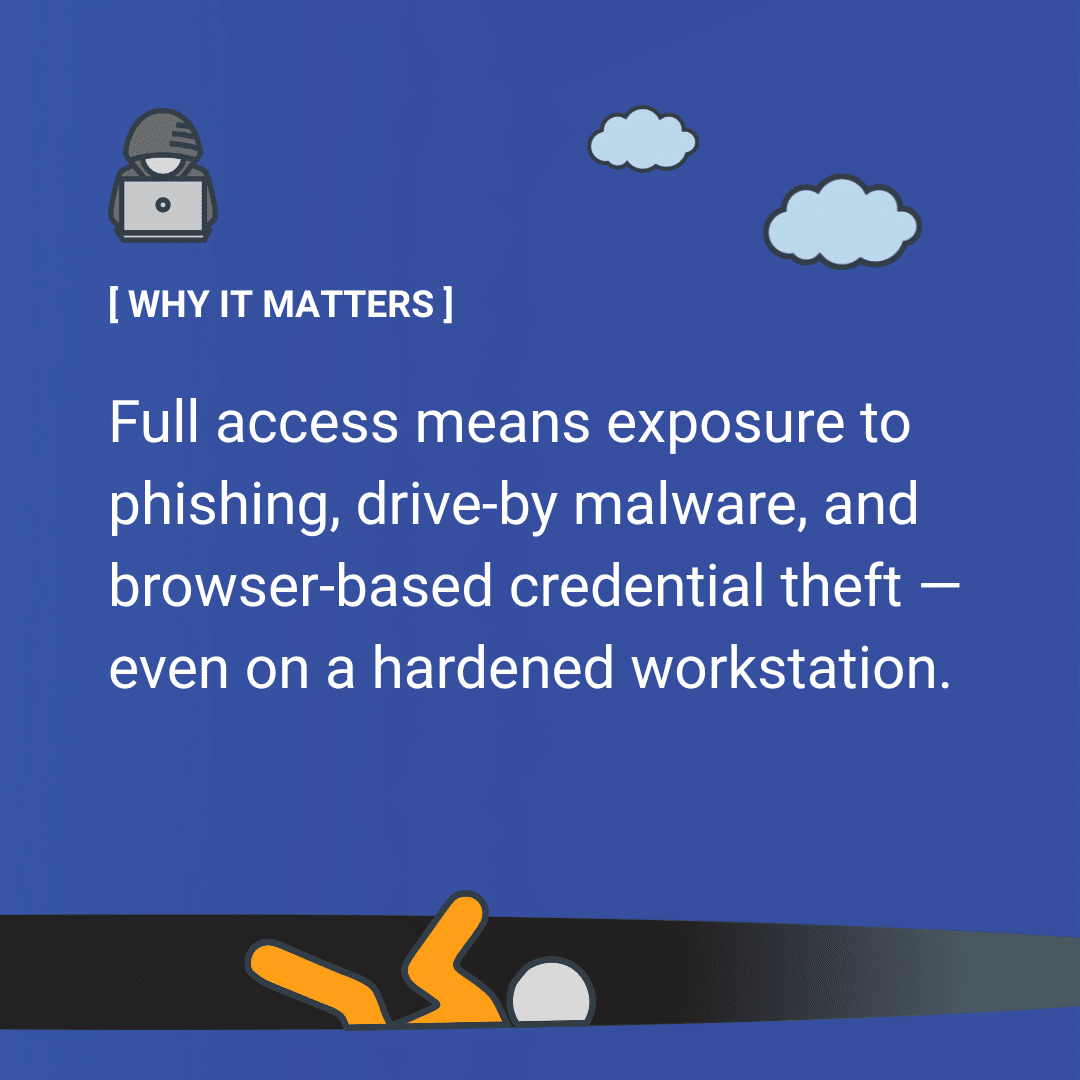
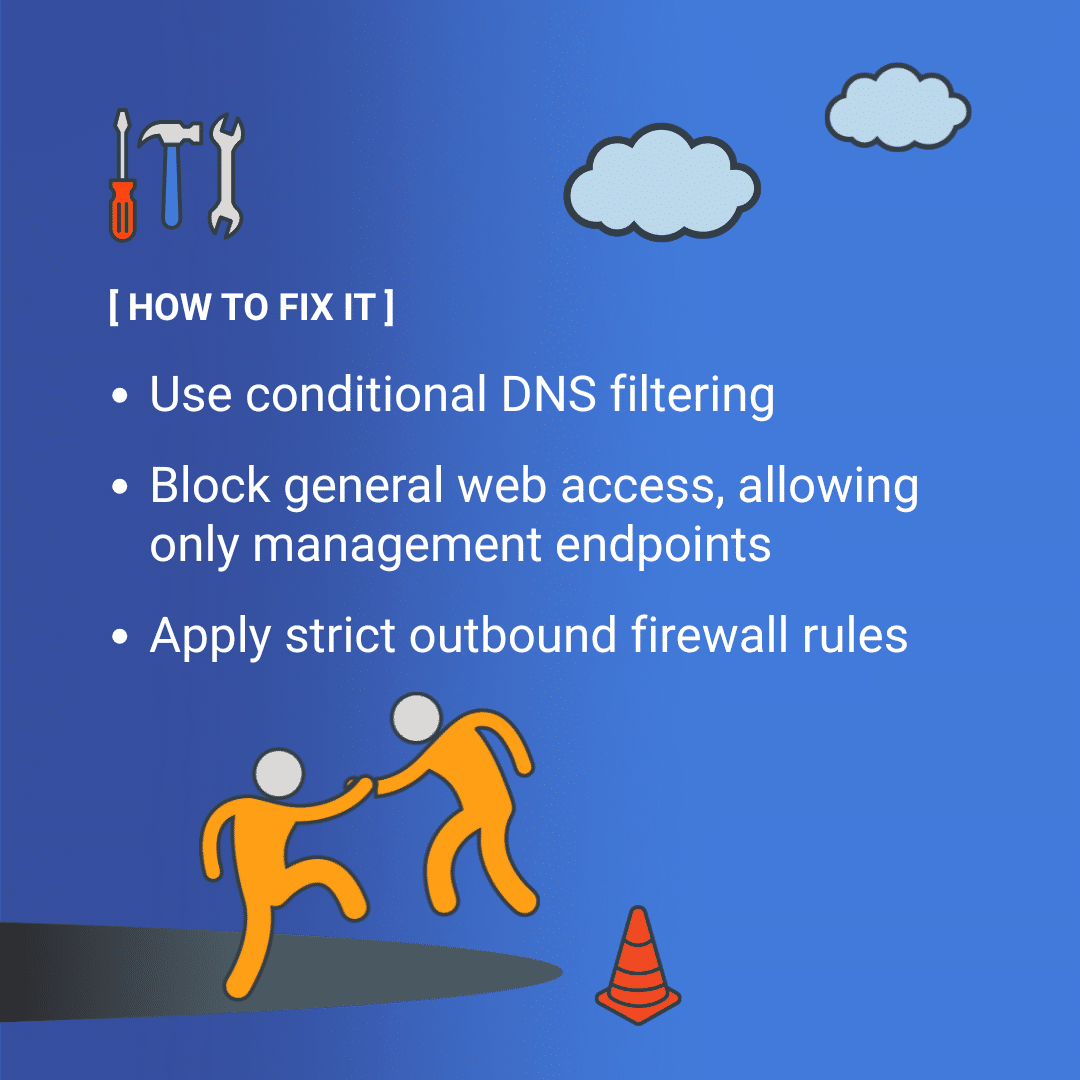
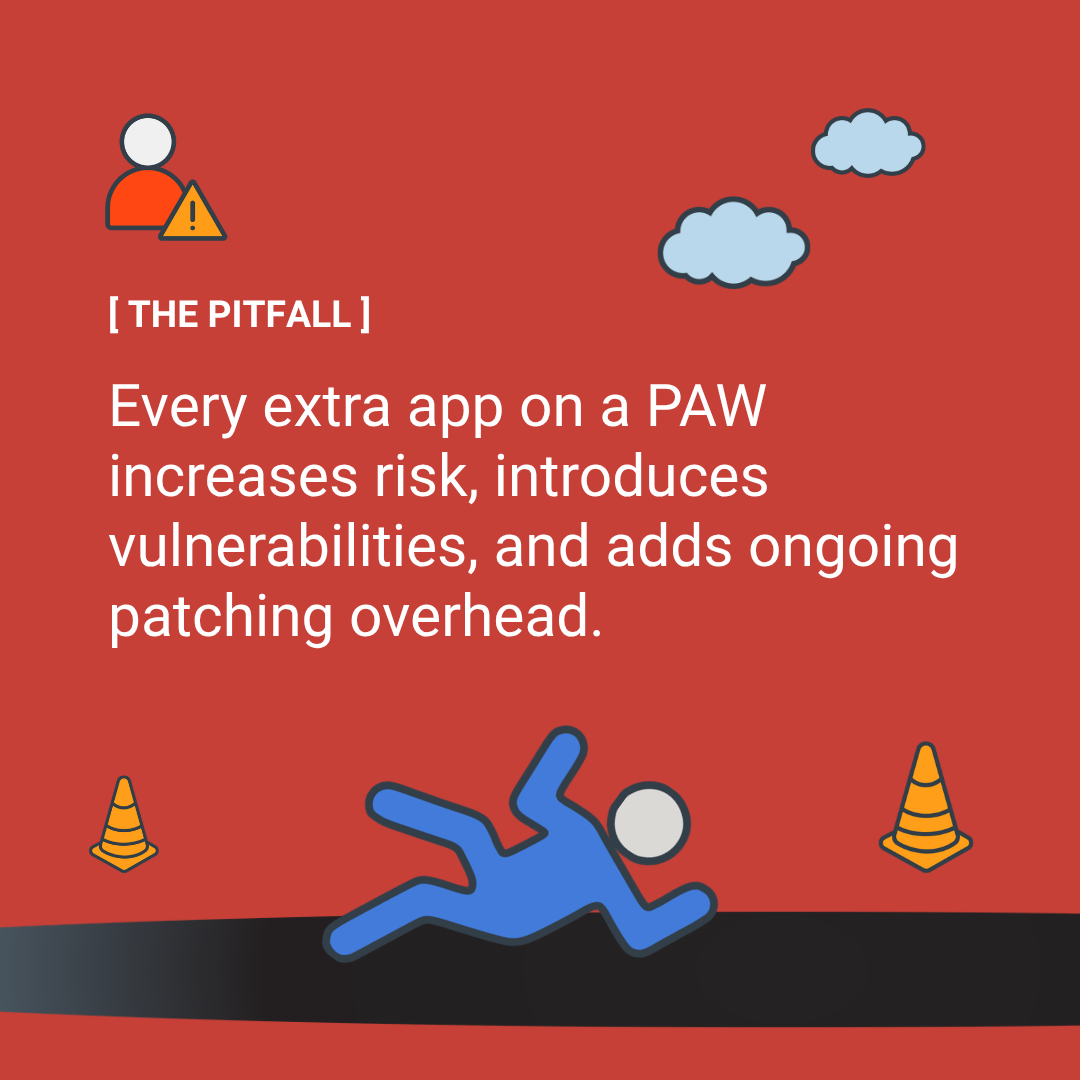
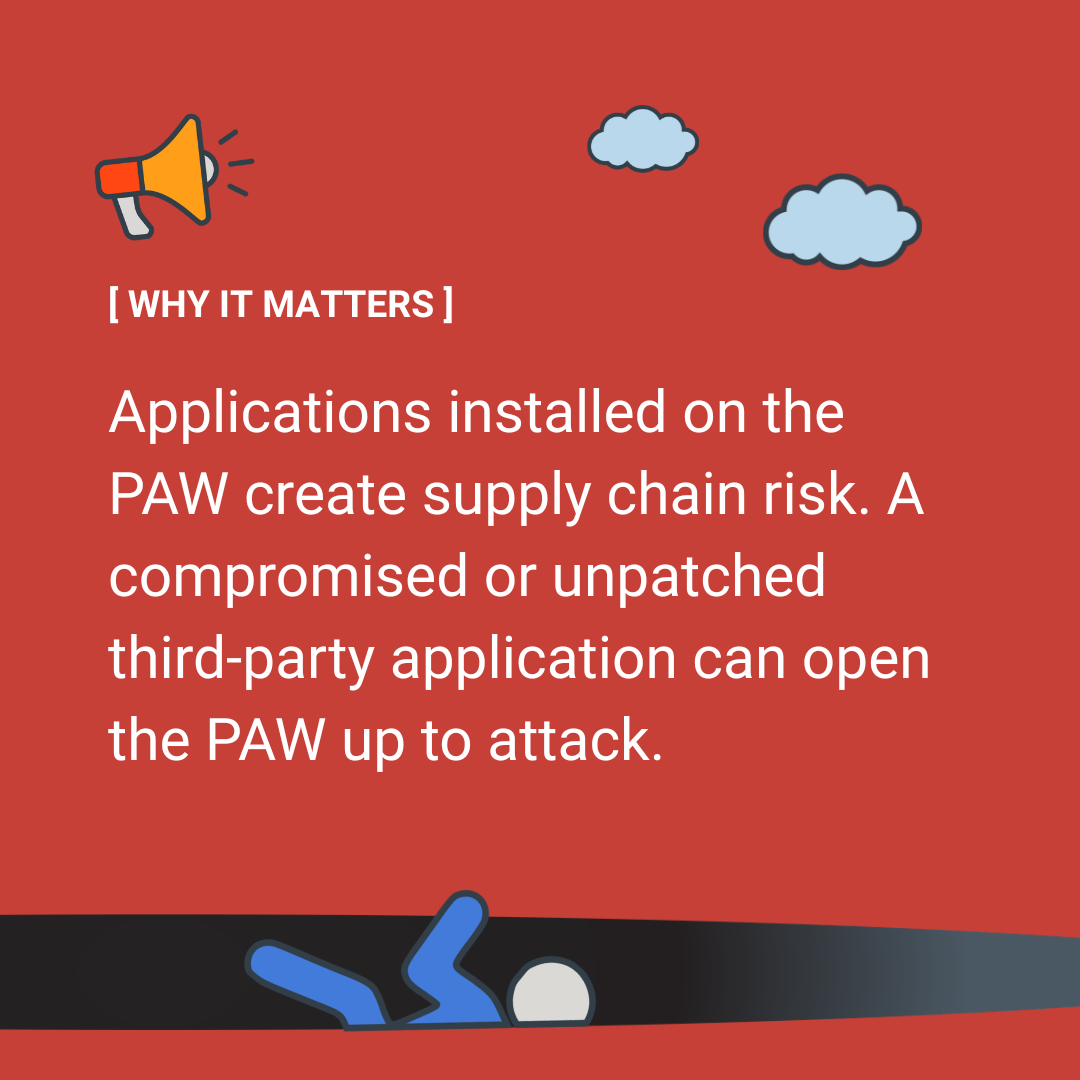
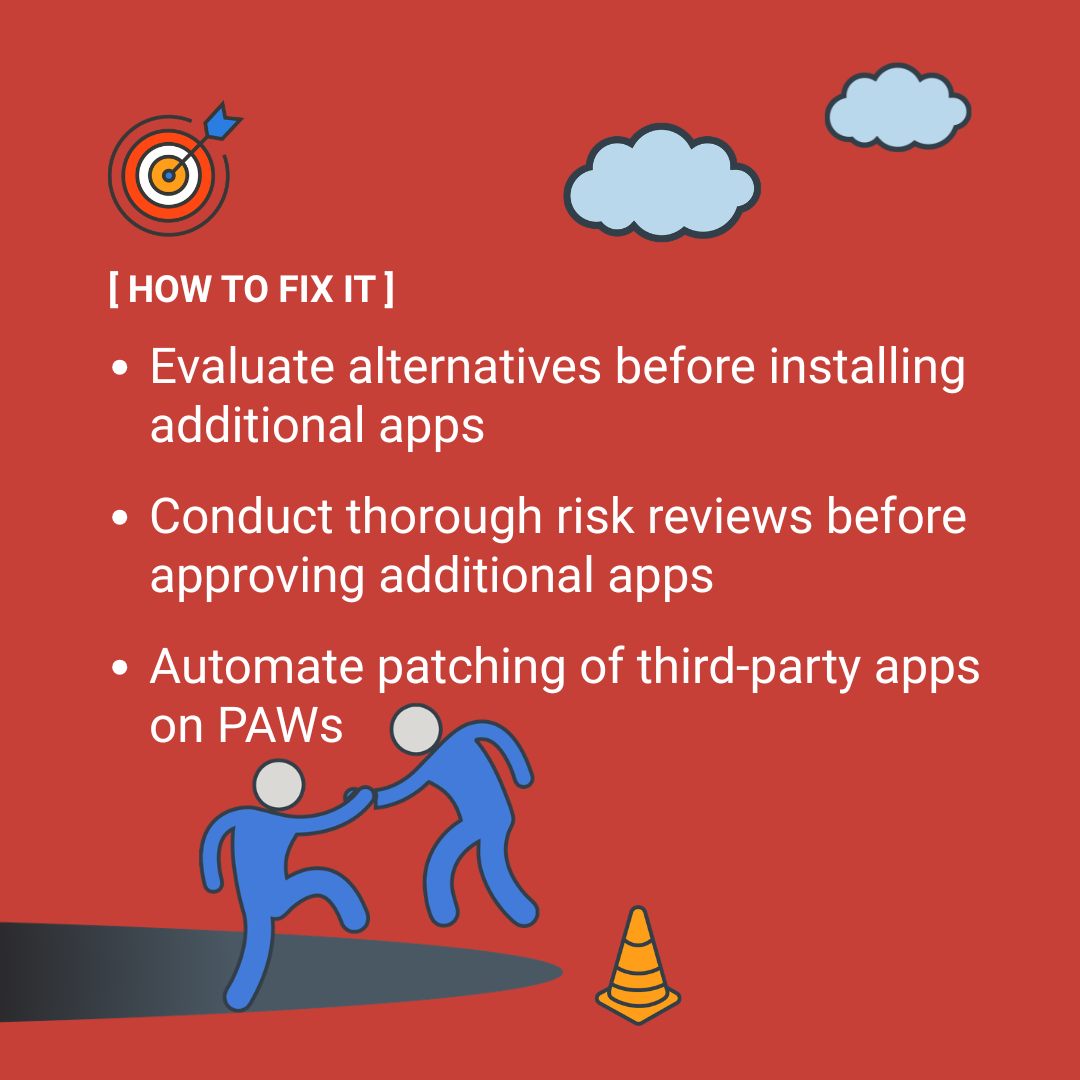
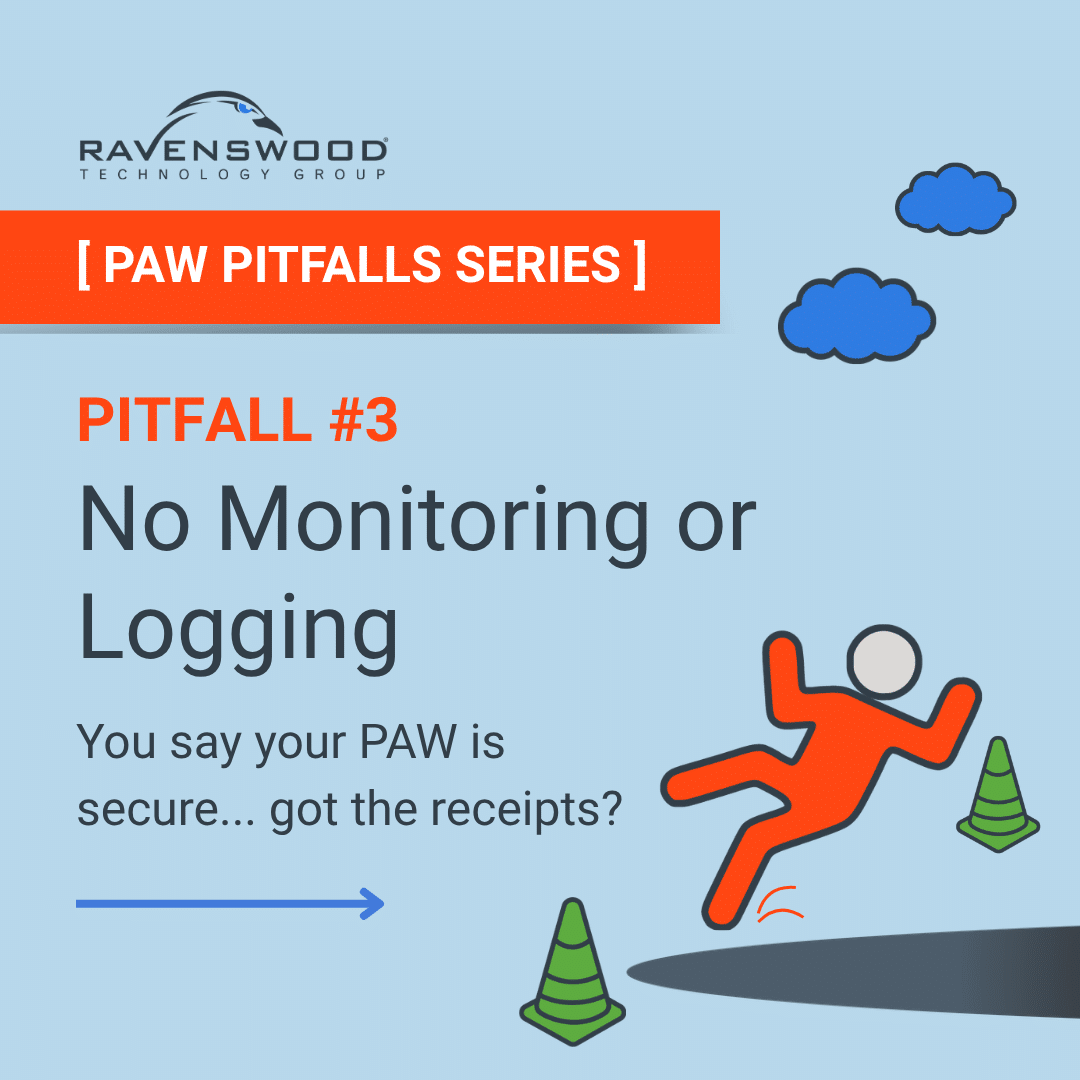
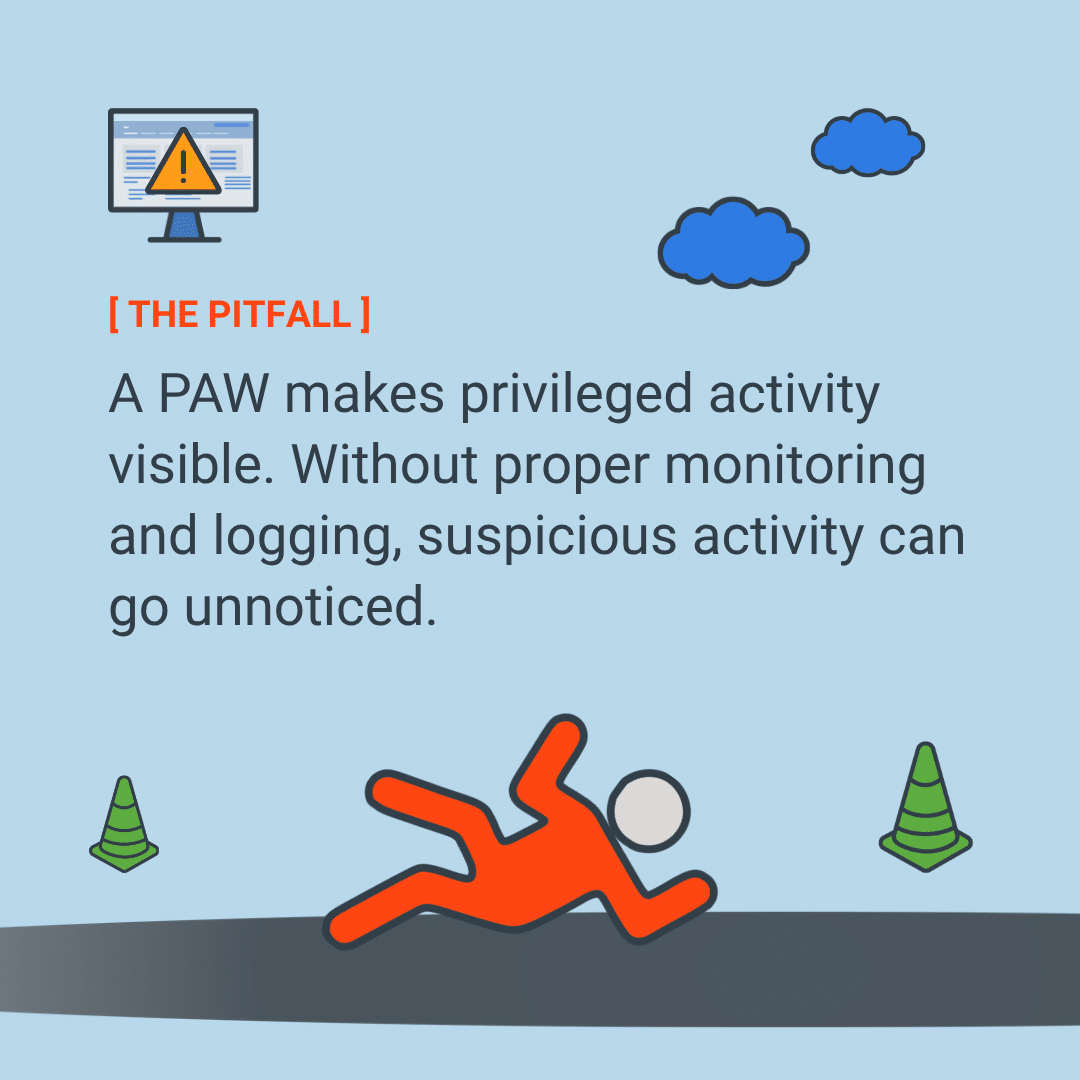
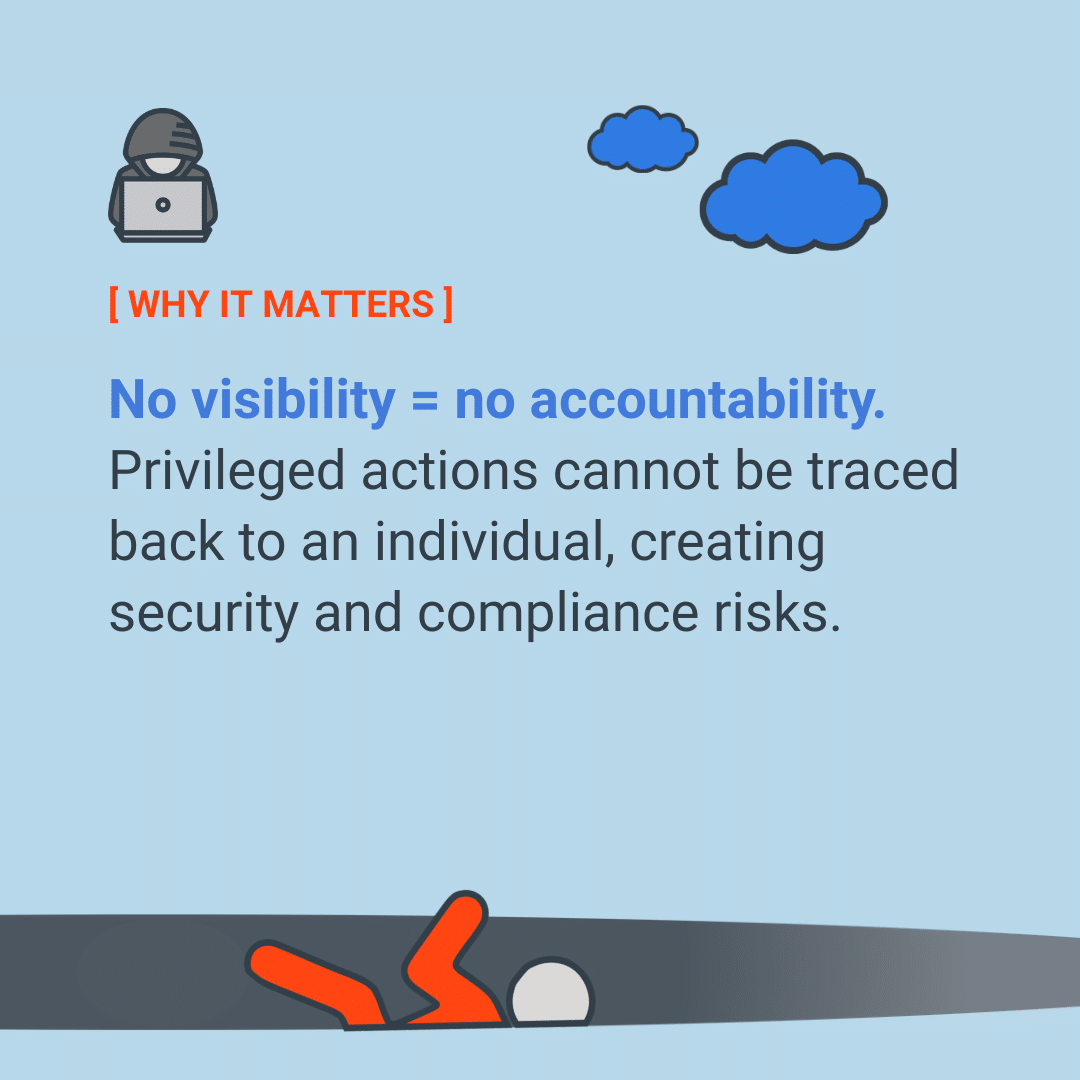
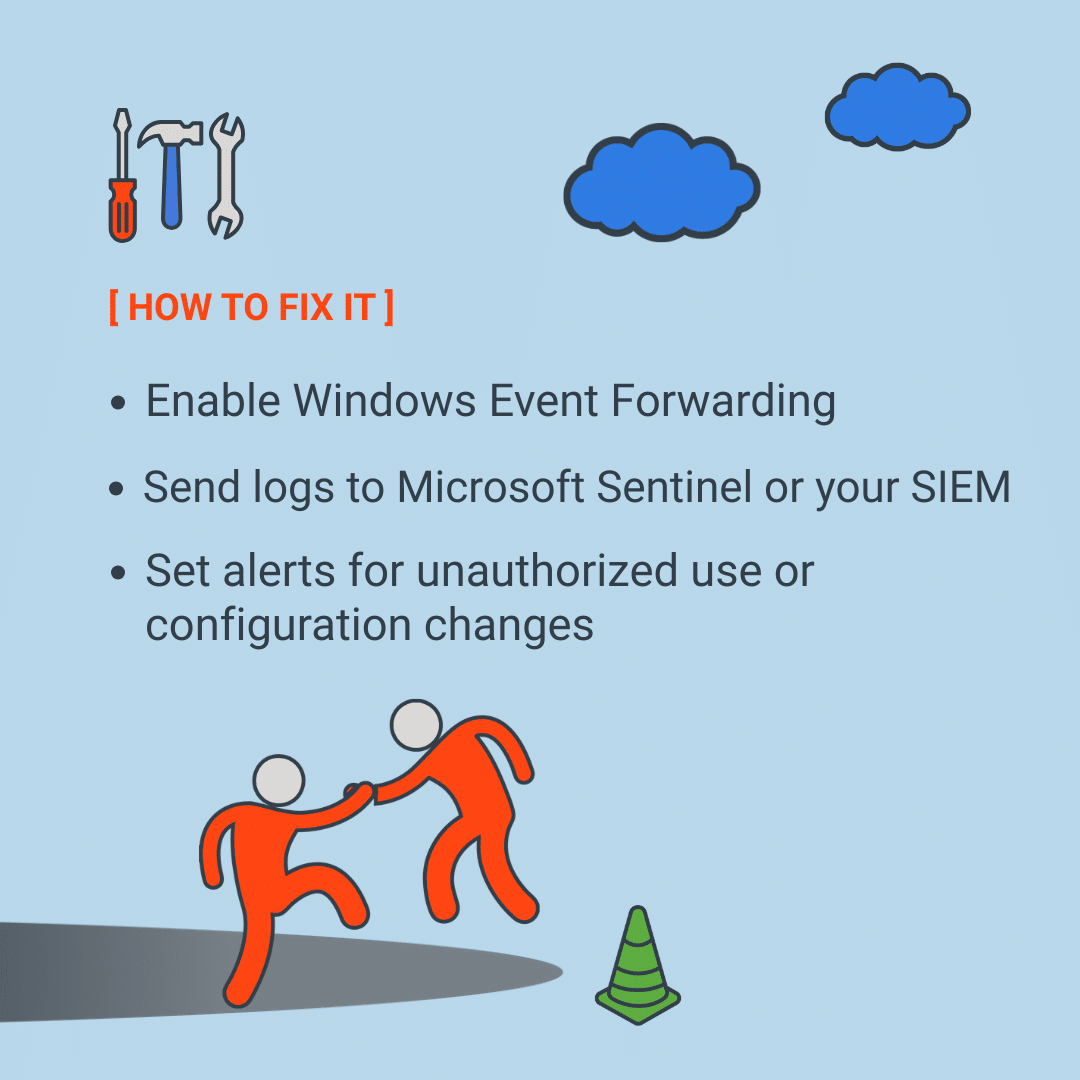
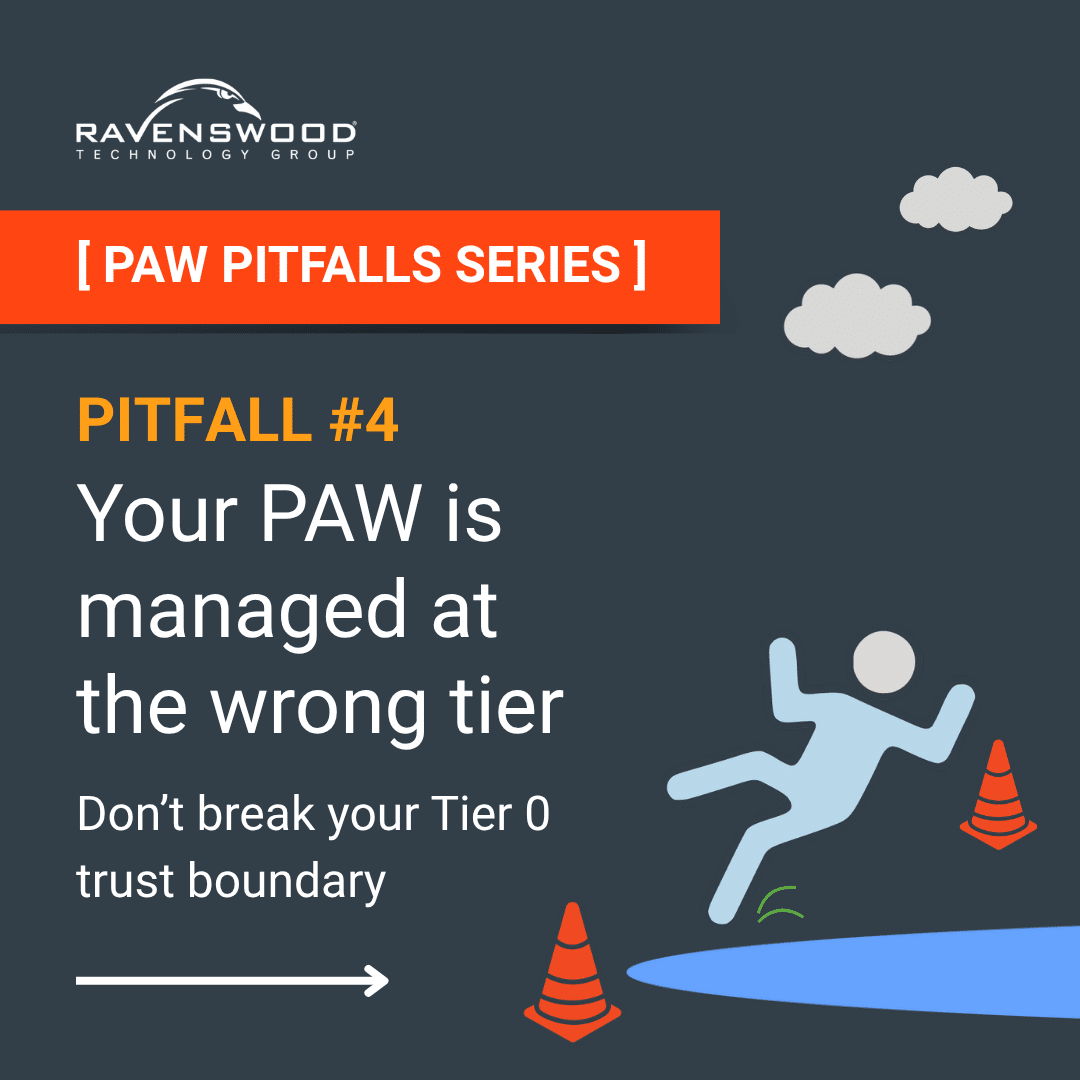
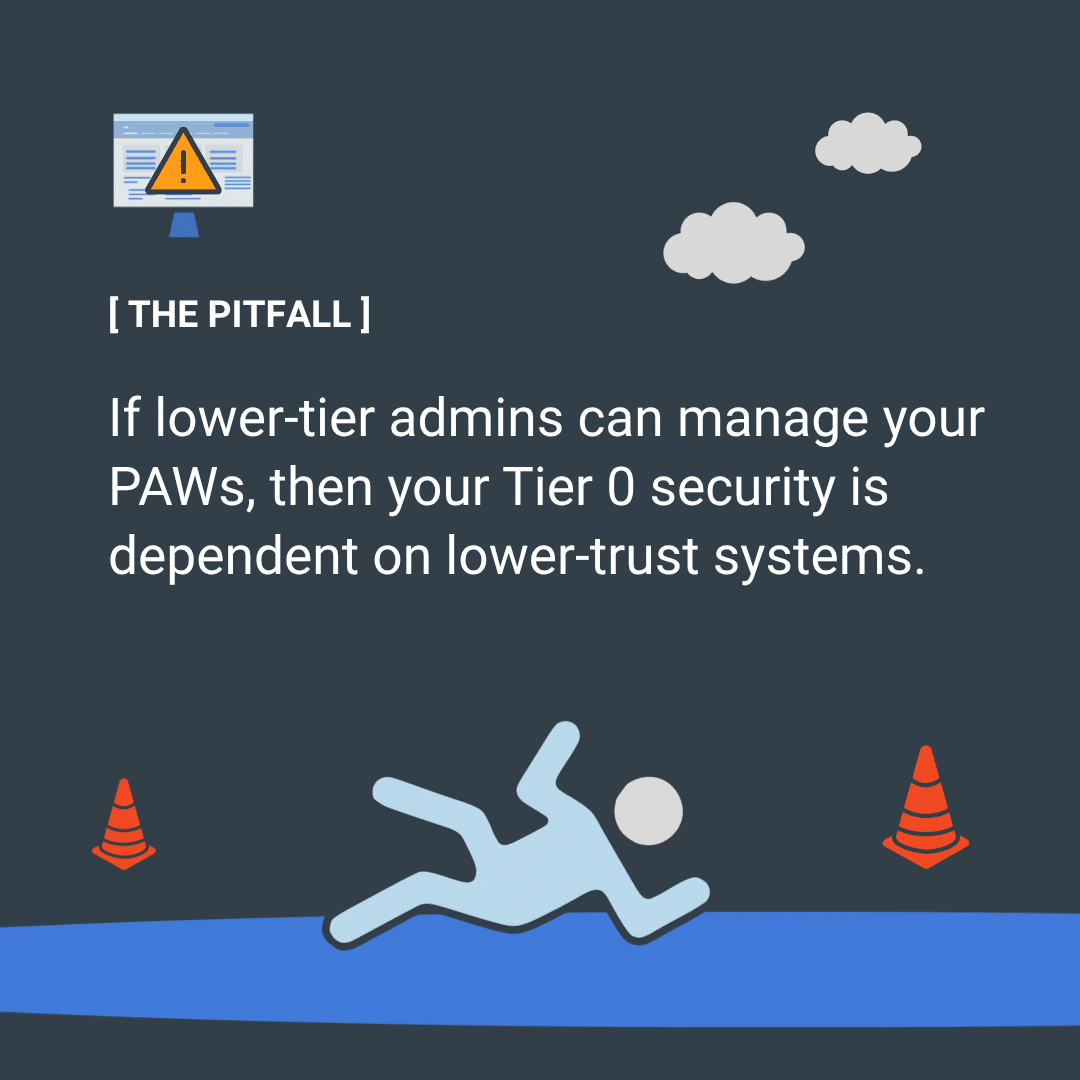
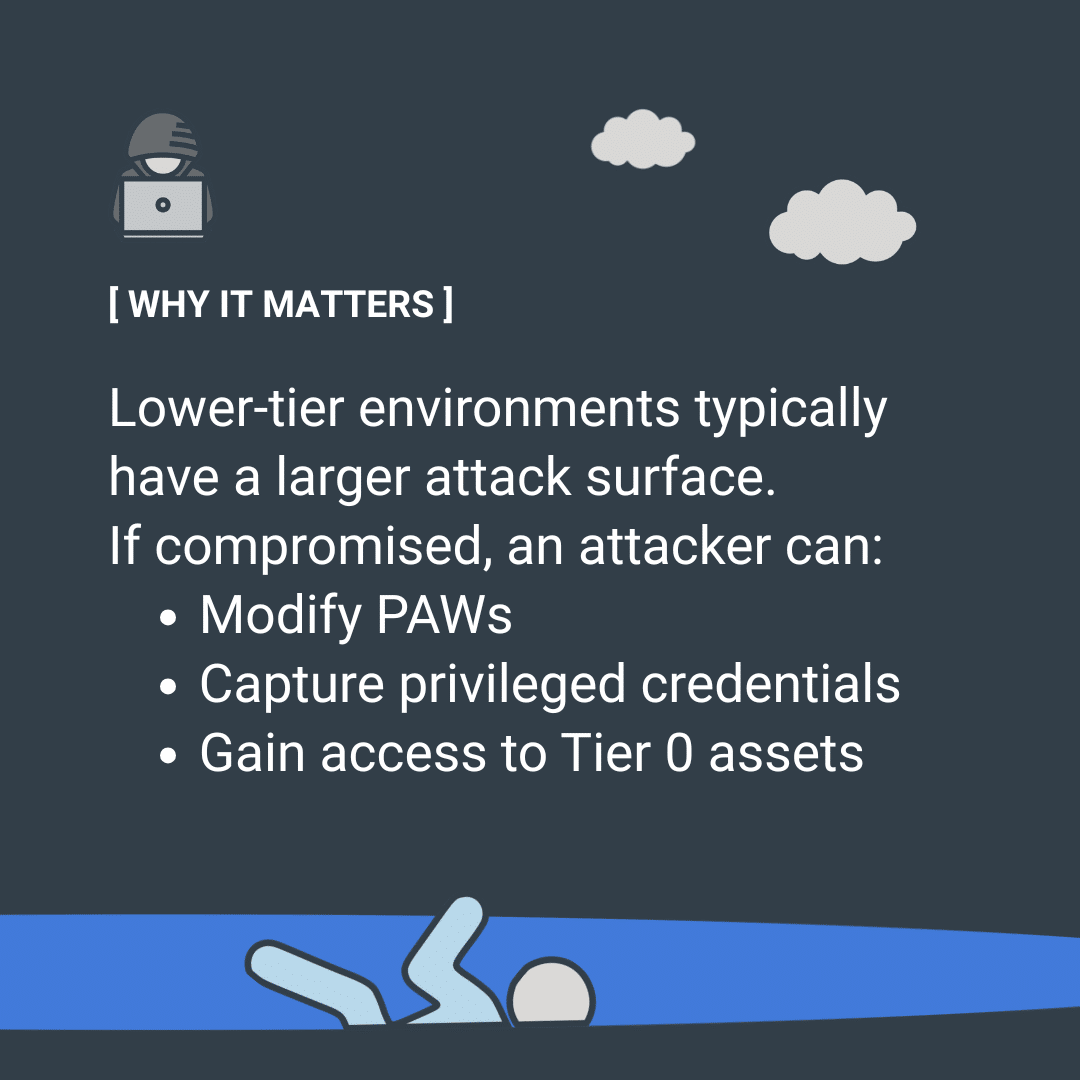
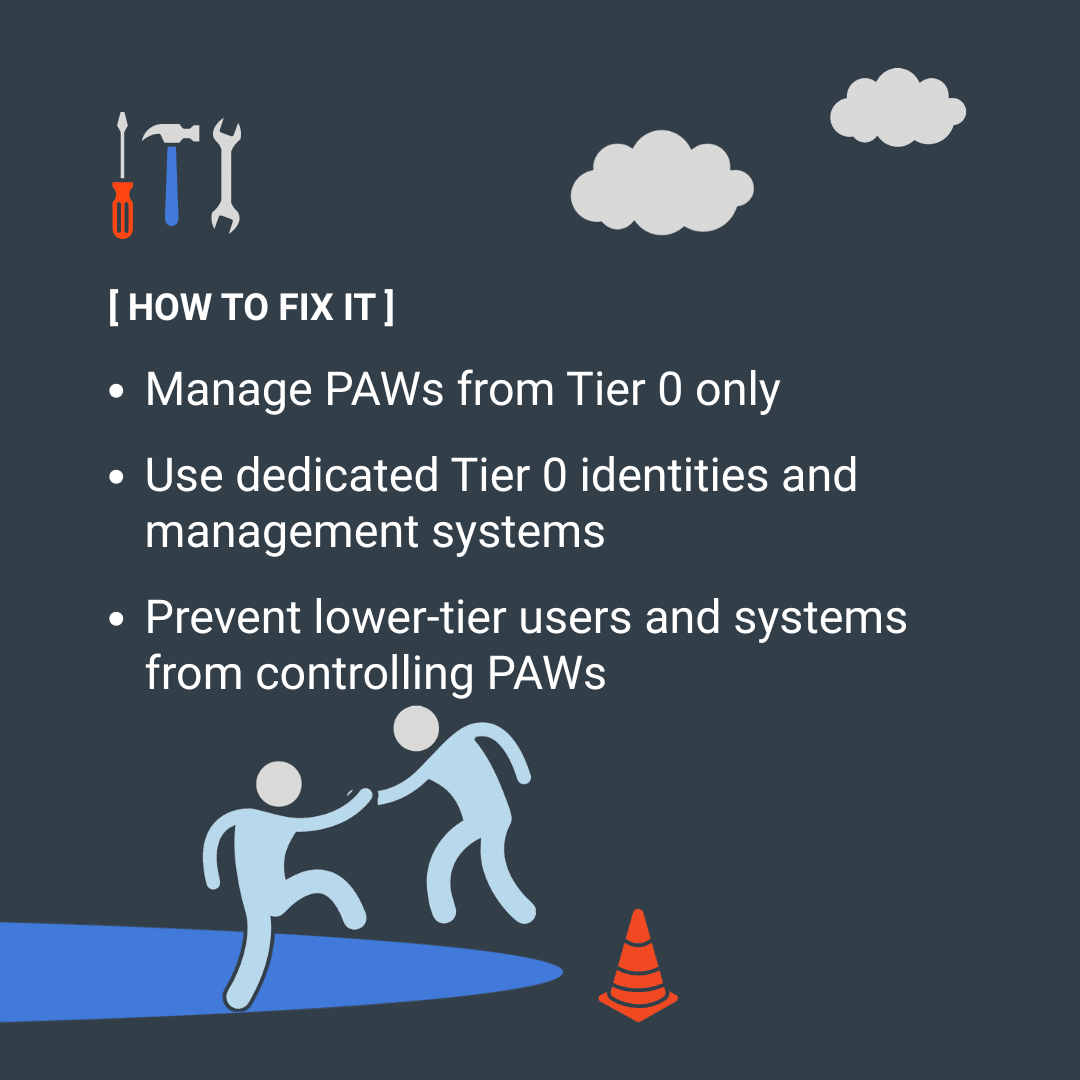
Most organizations deploying Privileged Access Workstations make the same mistakes — and most are entirely preventable. In our PAW Pitfalls series, we unpack the most common missteps one at a time, covering what the pitfall is, why it matters, and how to fix it.


© Ravenswood Technology Group, LLC