Ready to secure your AD?

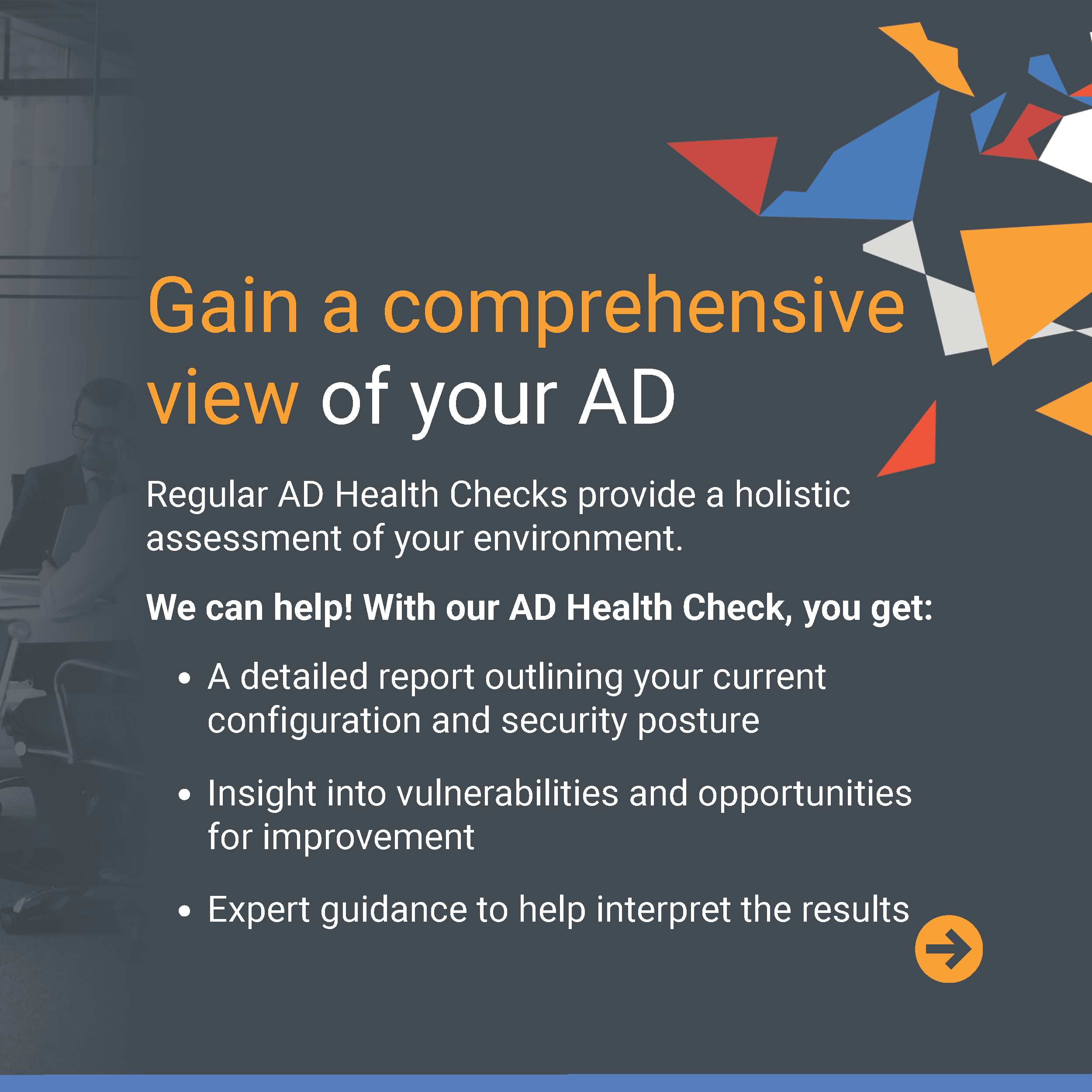
At Ravenswood, we specialize in building secure and efficient AD environments for your organization. Our Microsoft experts can help you close security gaps, improve efficiency, and stay protected against evolving threats.

Speak to one of our AD experts to get started. They will:

  • Listen to your current challenges and priorities
  • Share initial insights and guidance
  • Recommend next steps that make sense for your environment
We’re here to guide you on your AD security journey. Explore the resources below to learn more. 

[AD ESSENTIALS SERIES]

We recently launched the Ravenswood AD Essentials series – a collection of short videos paired with  easy-to-follow swipe-through guides to help strengthen your AD Security posture.

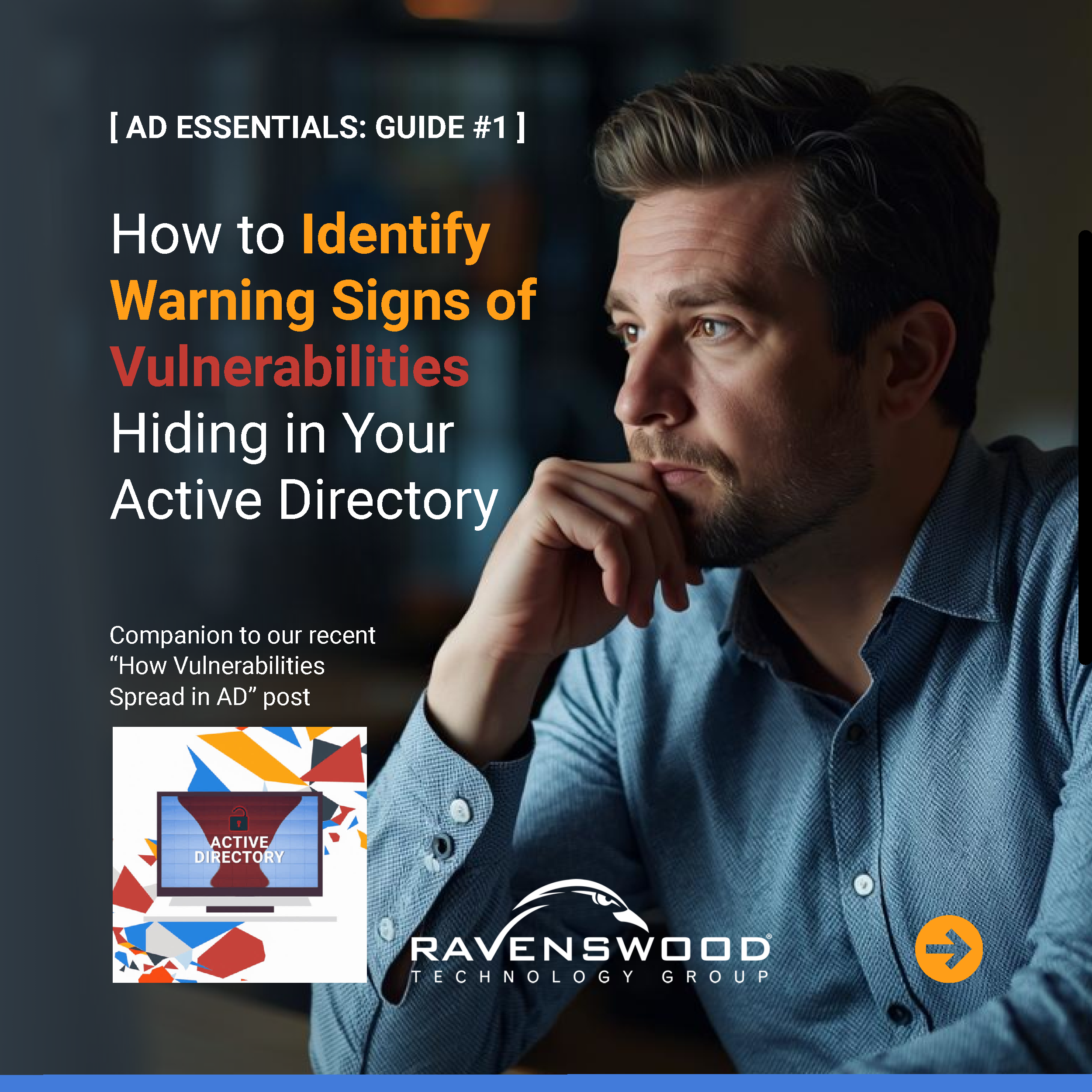
AD Essentials Video & Guide #1

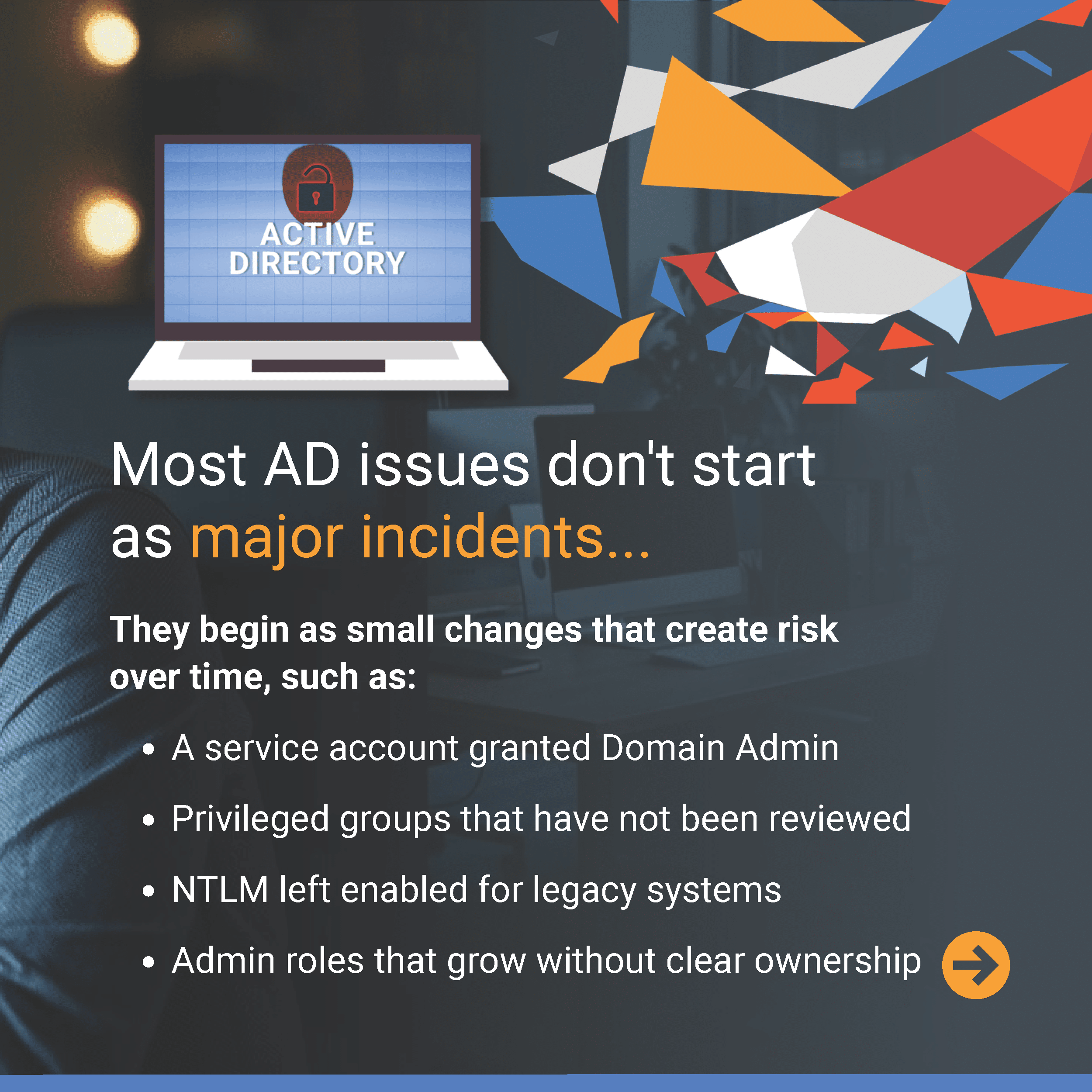
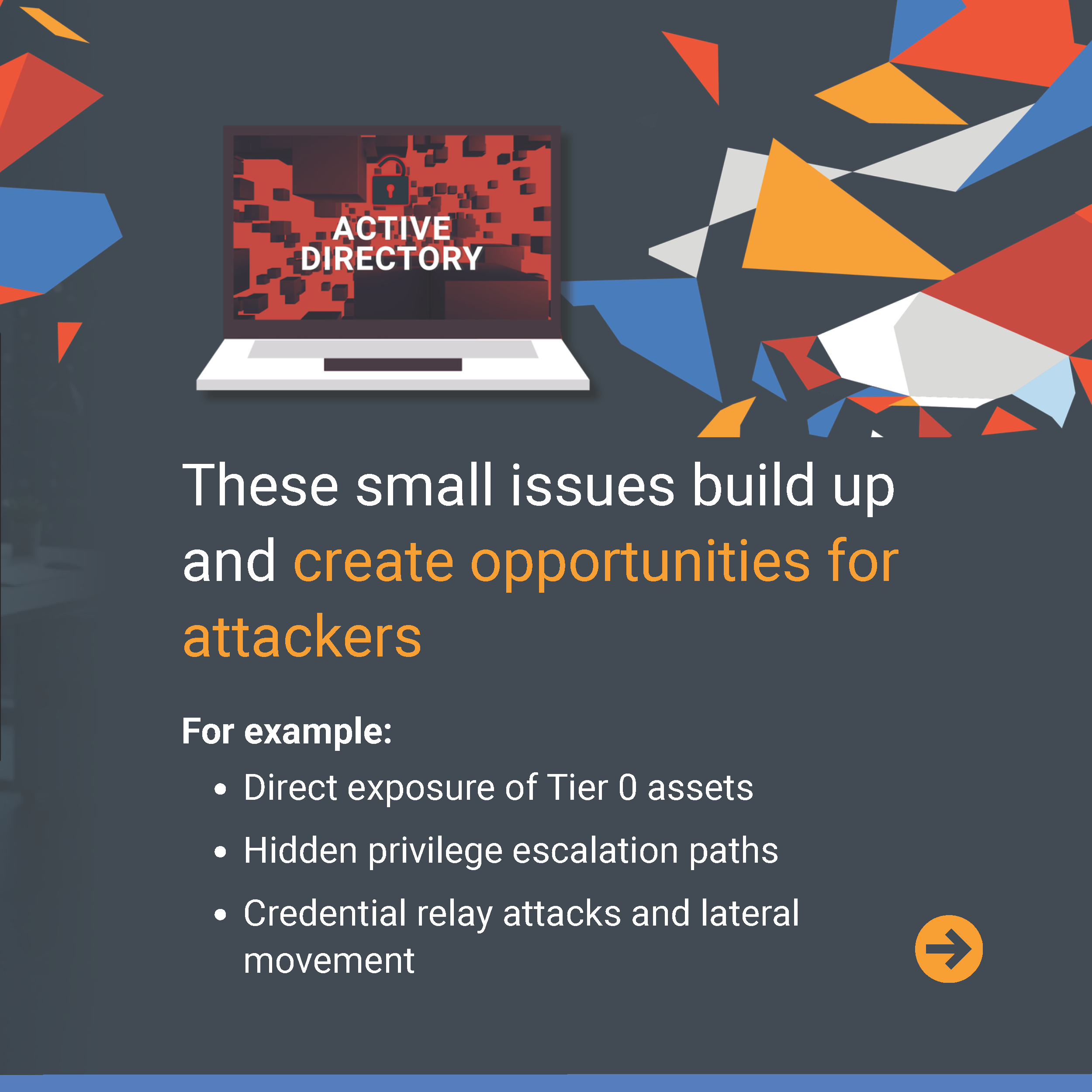
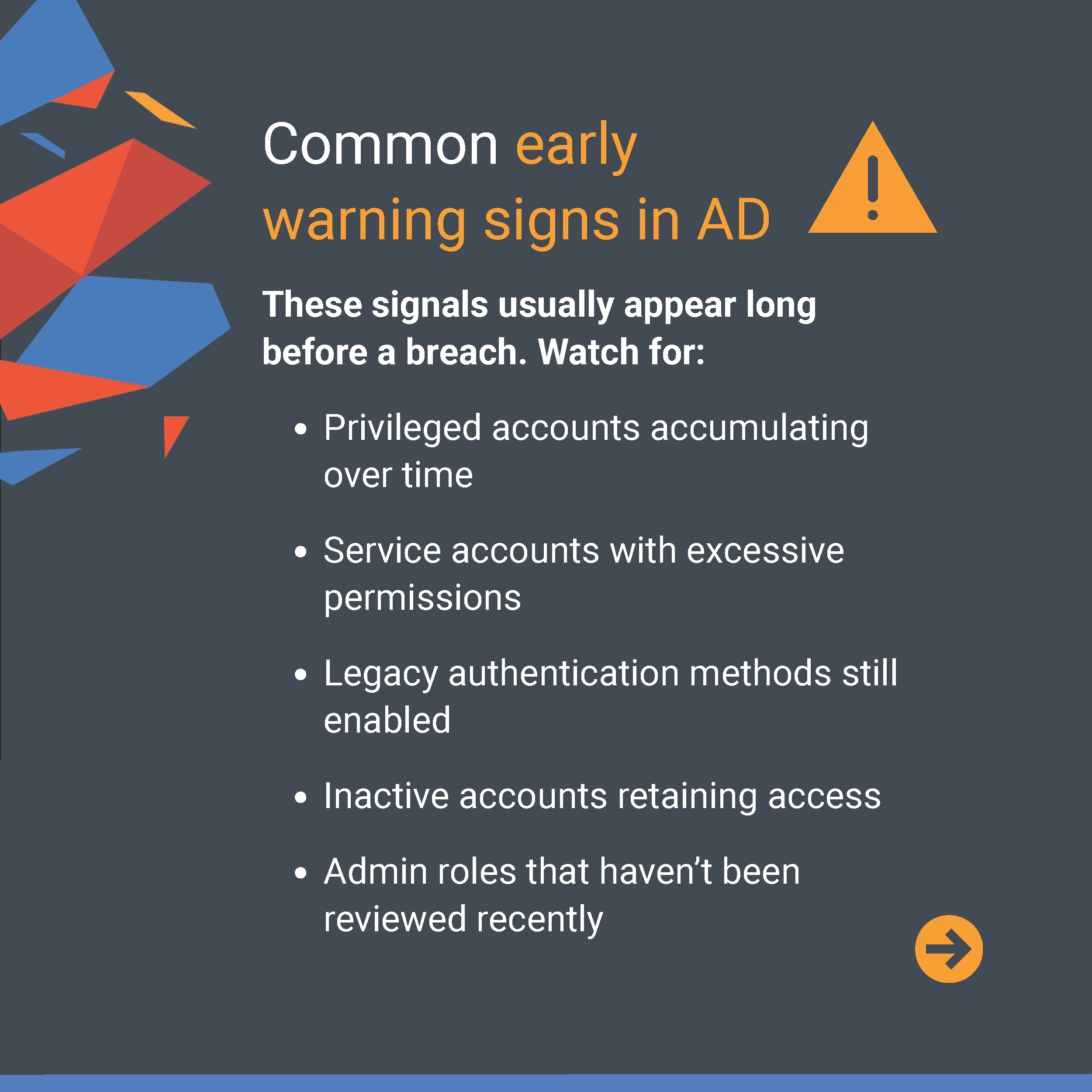
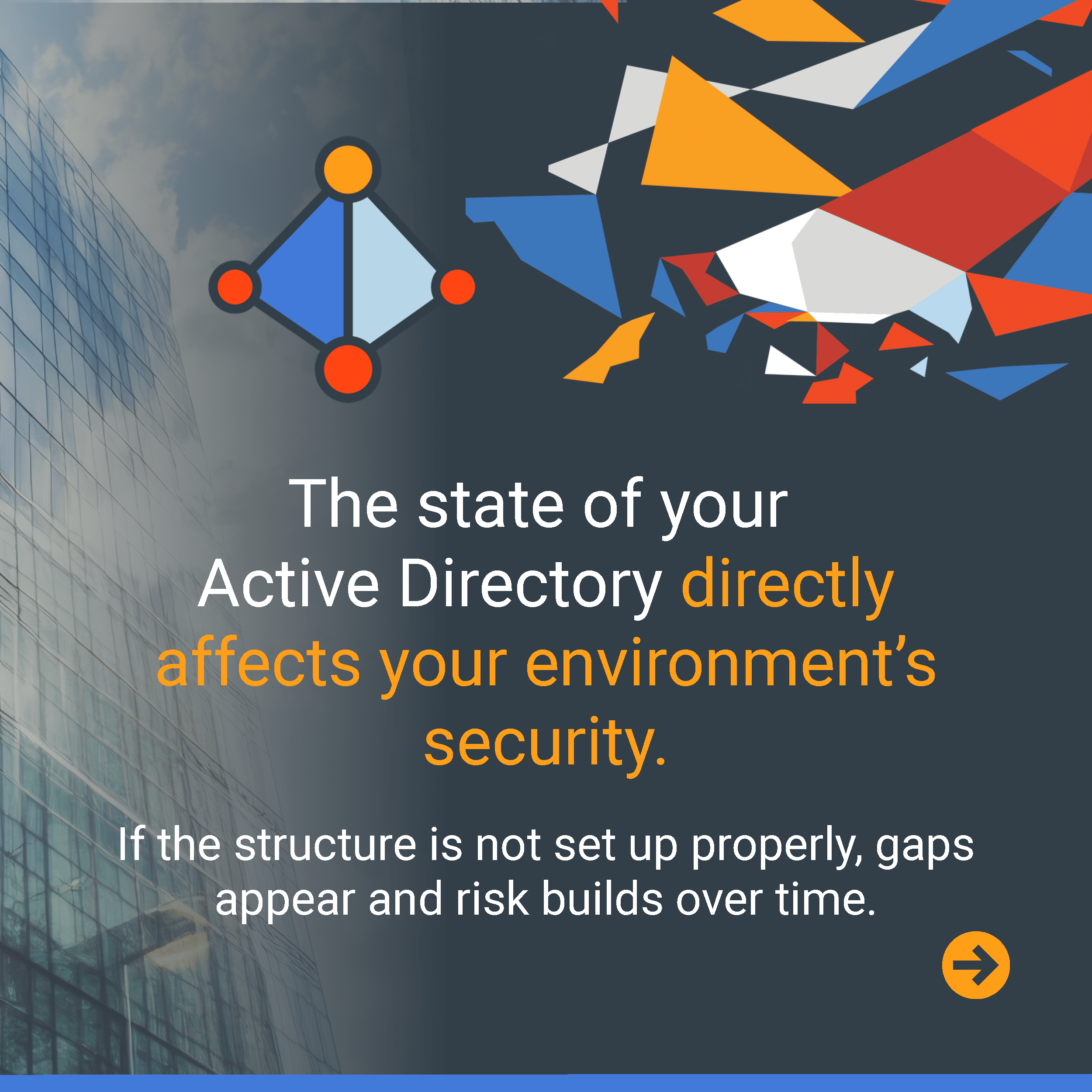
What if the real AD risks are the ones that slowly seep in before anyone notices? Identifying early warning signs can help stop small issues from spreading into major threats. AD Essentials Guide #1 highlights some of the warning signs security teams should watch for and how Ravenswood helps organizations uncover and address them. Swipe through to learn more.  

AD Essentials Video & Guide #2

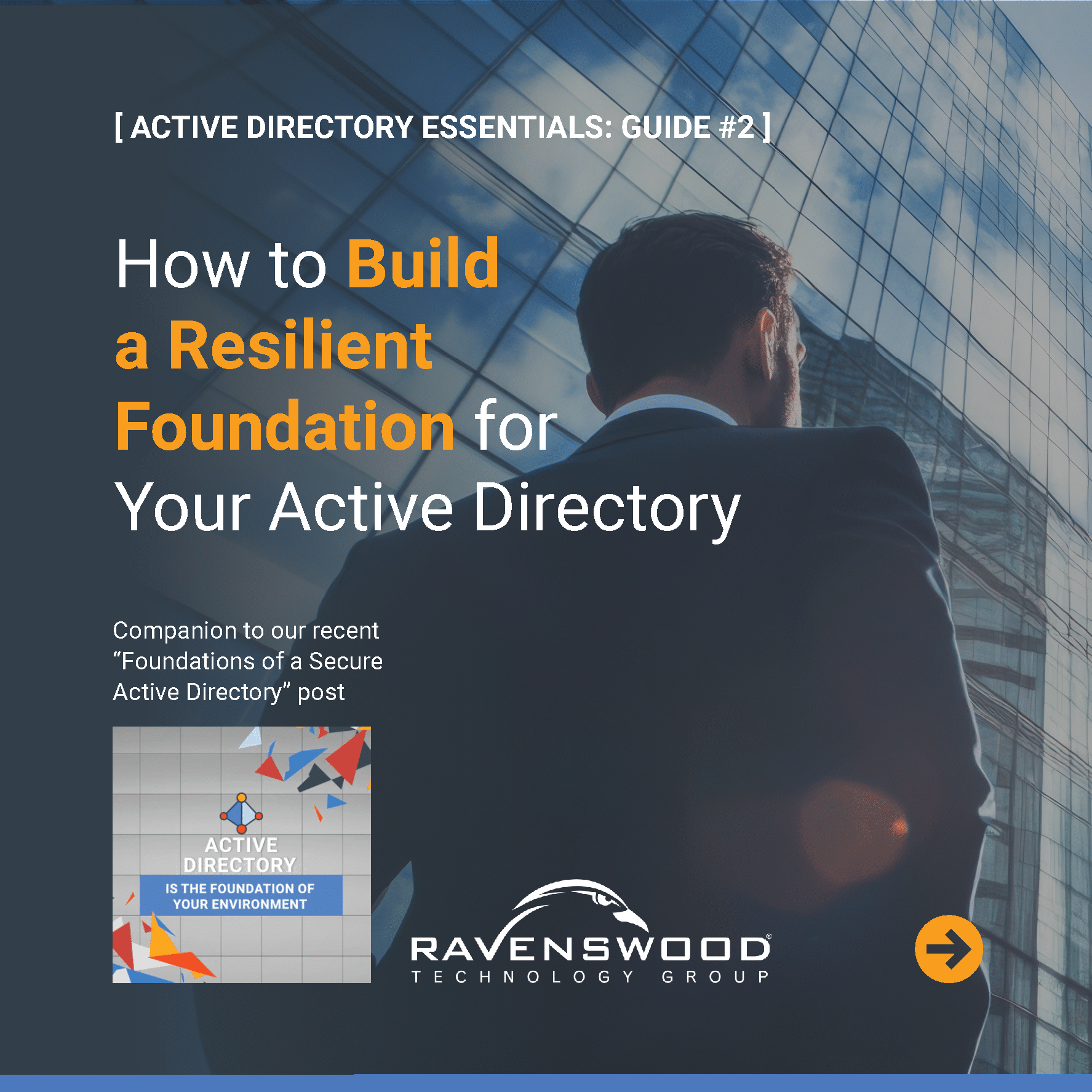
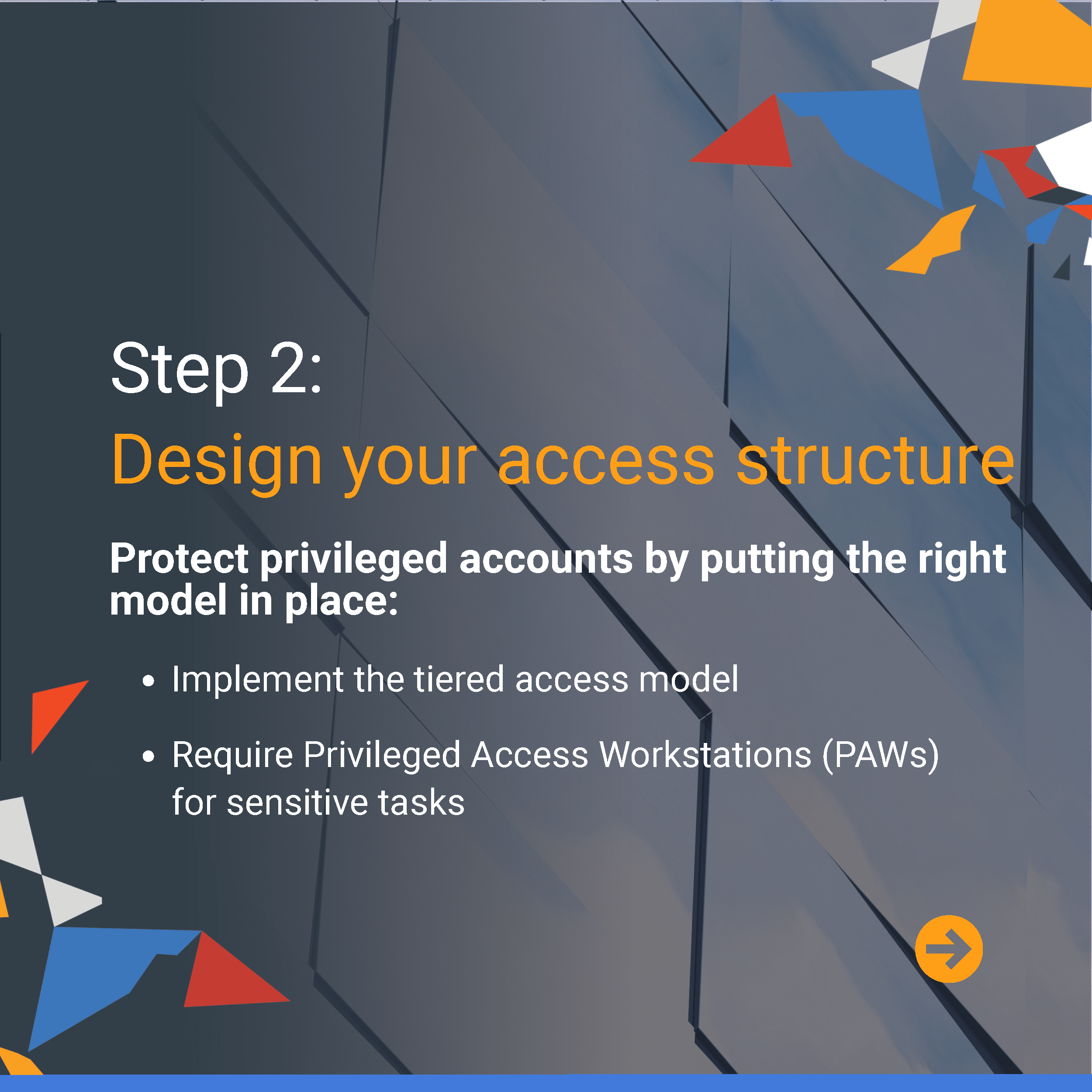
The biggest AD risks often stem from foundational gaps that develop over time, not just a single issue. Building a strong, well-structured environment is key to reducing exposure and maintaining long-term security. AD Essentials Guide #2 and its companion video walk through practical steps to help you assess your environment, strengthen access controls, and secure the most critical parts of your AD. Swipe through to learn more.
We're here to help

[AD ESSENTIALS SERIES]

Click to watch the full AD Security video below and complete the form above to start the conversation.

[ADDITIONAL RESOURCES]

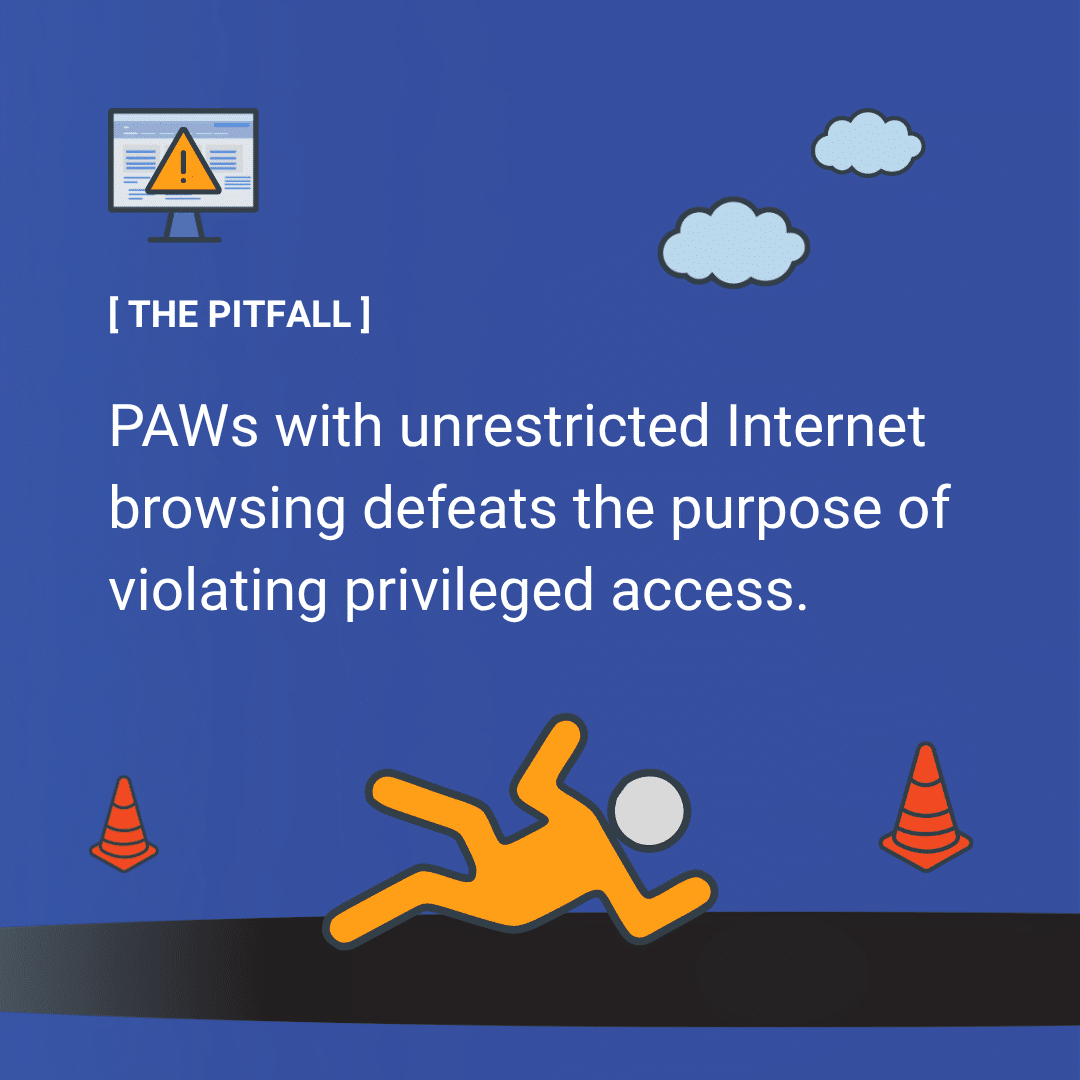
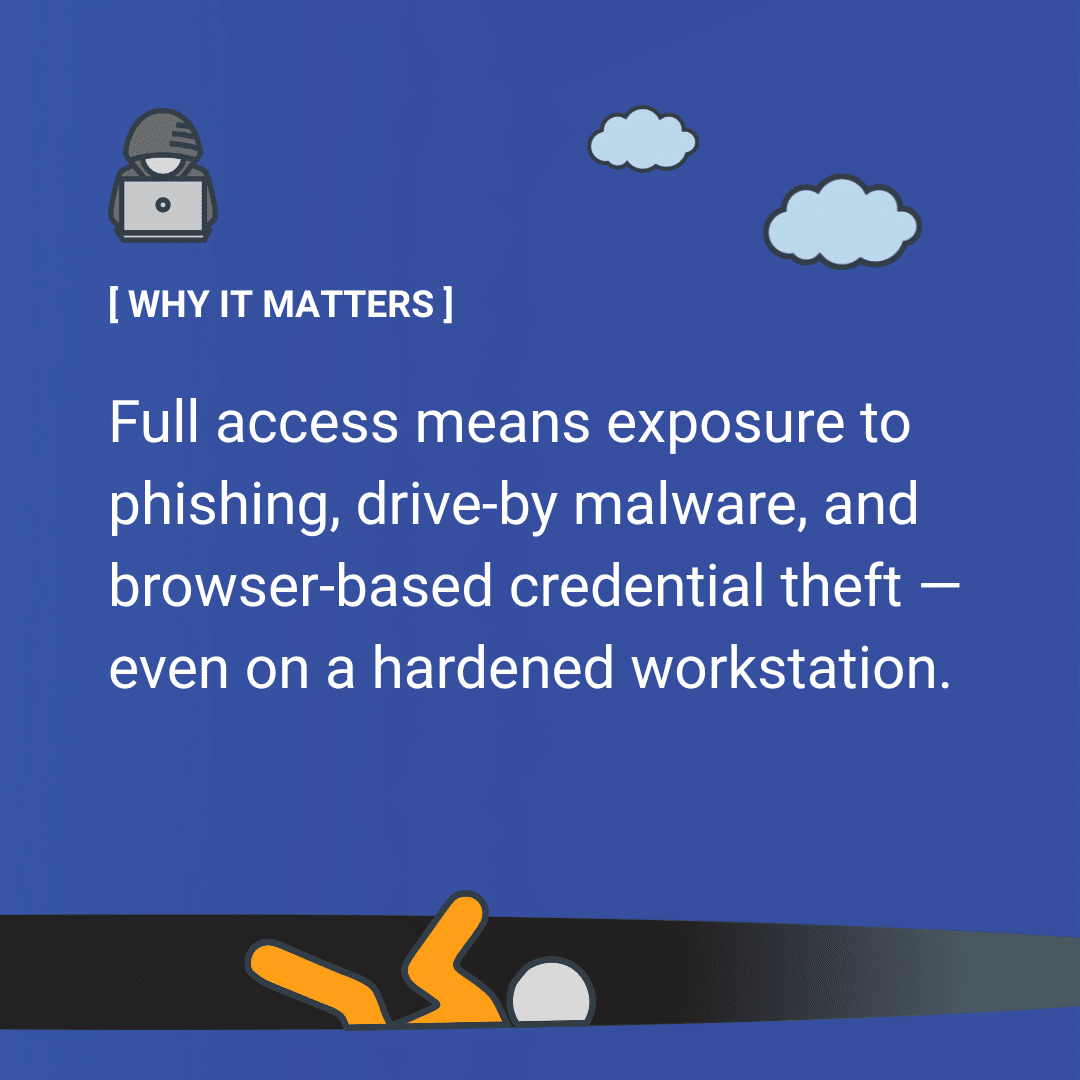
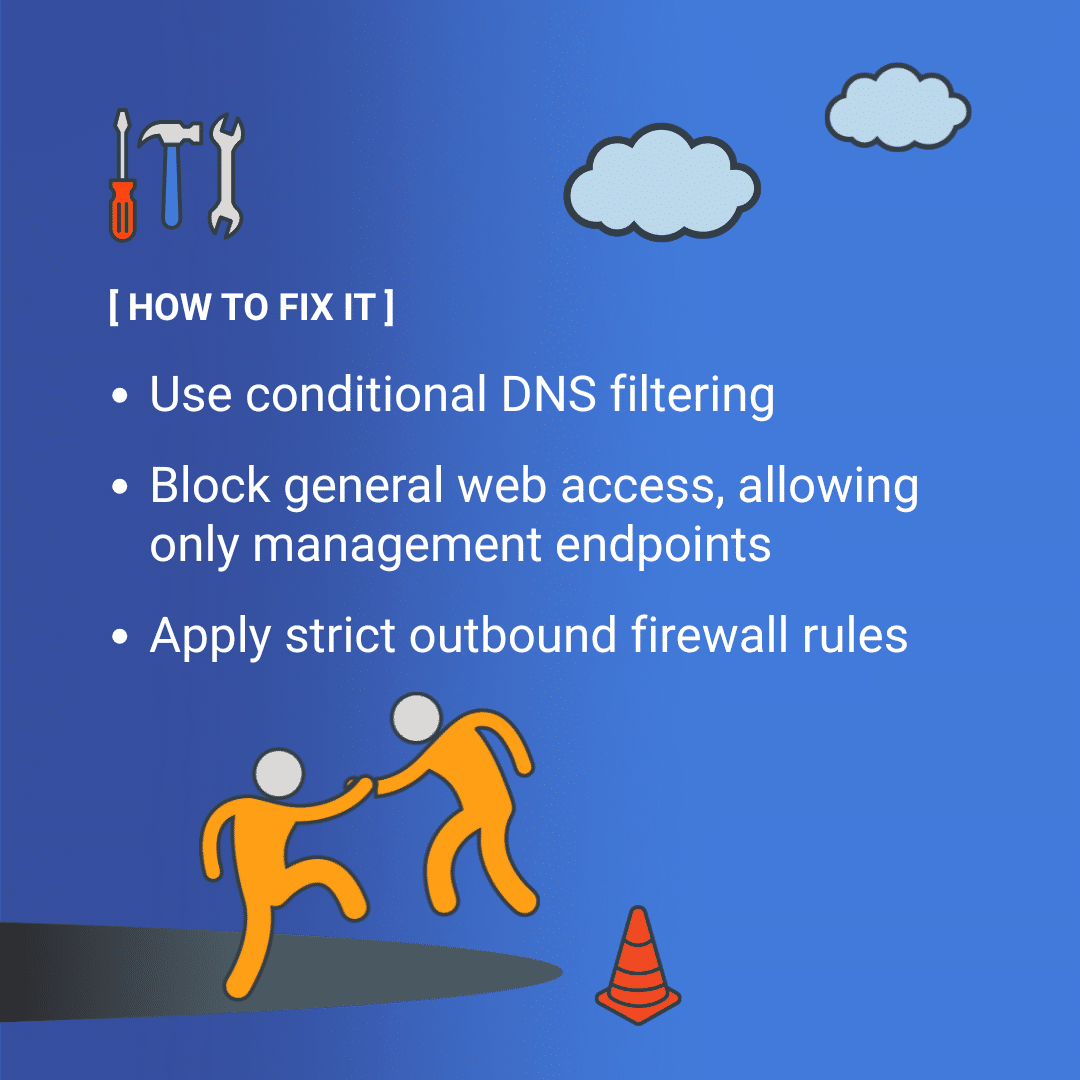
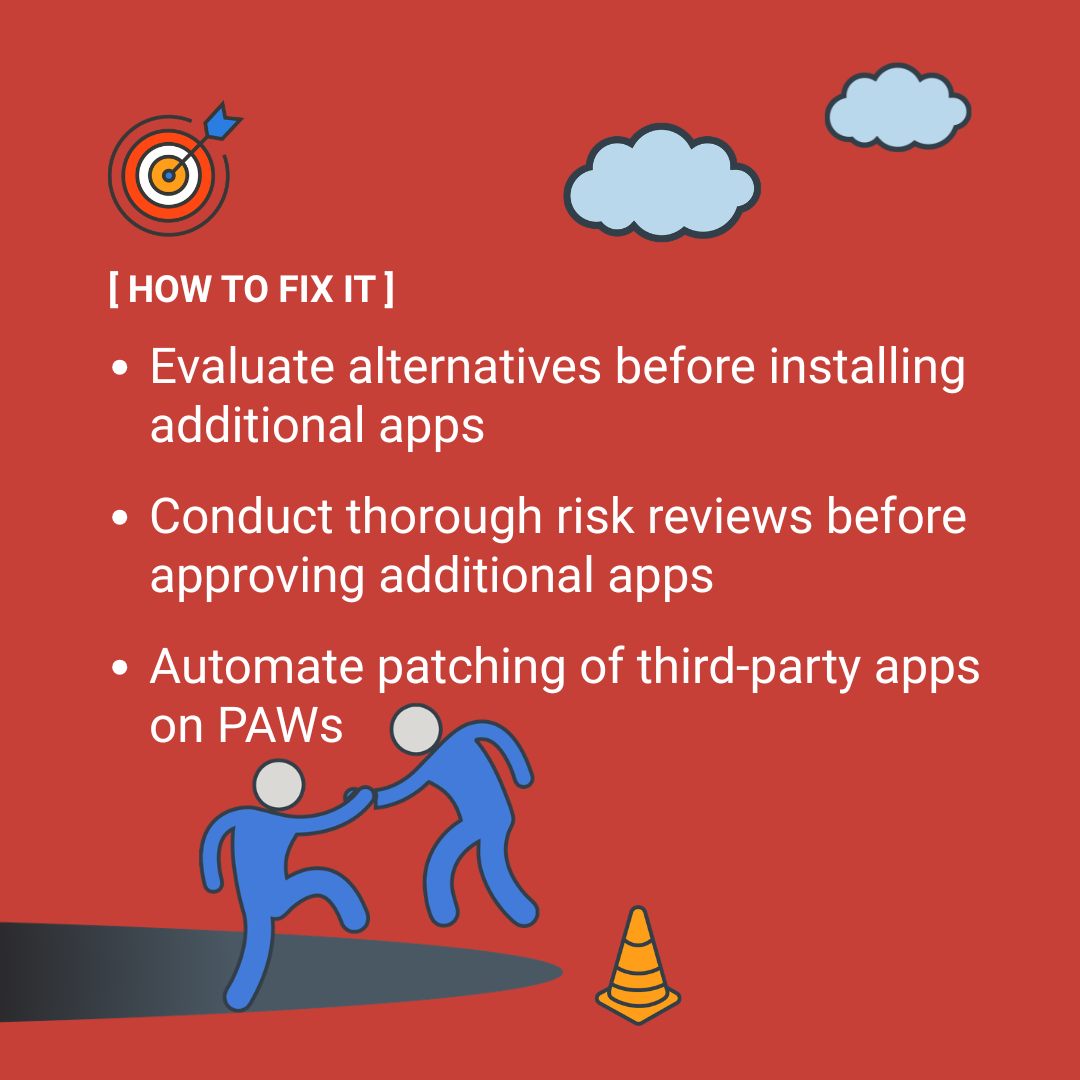
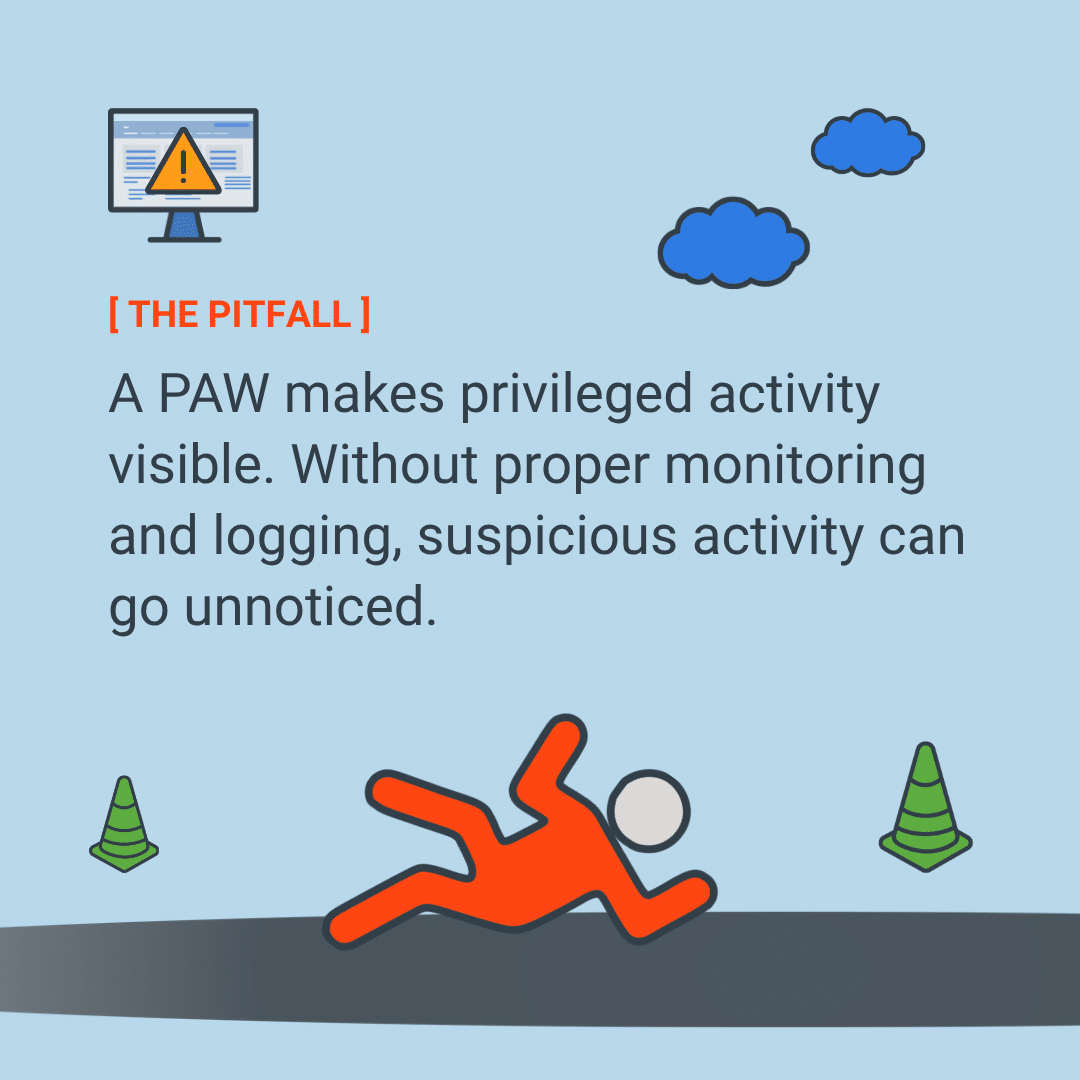
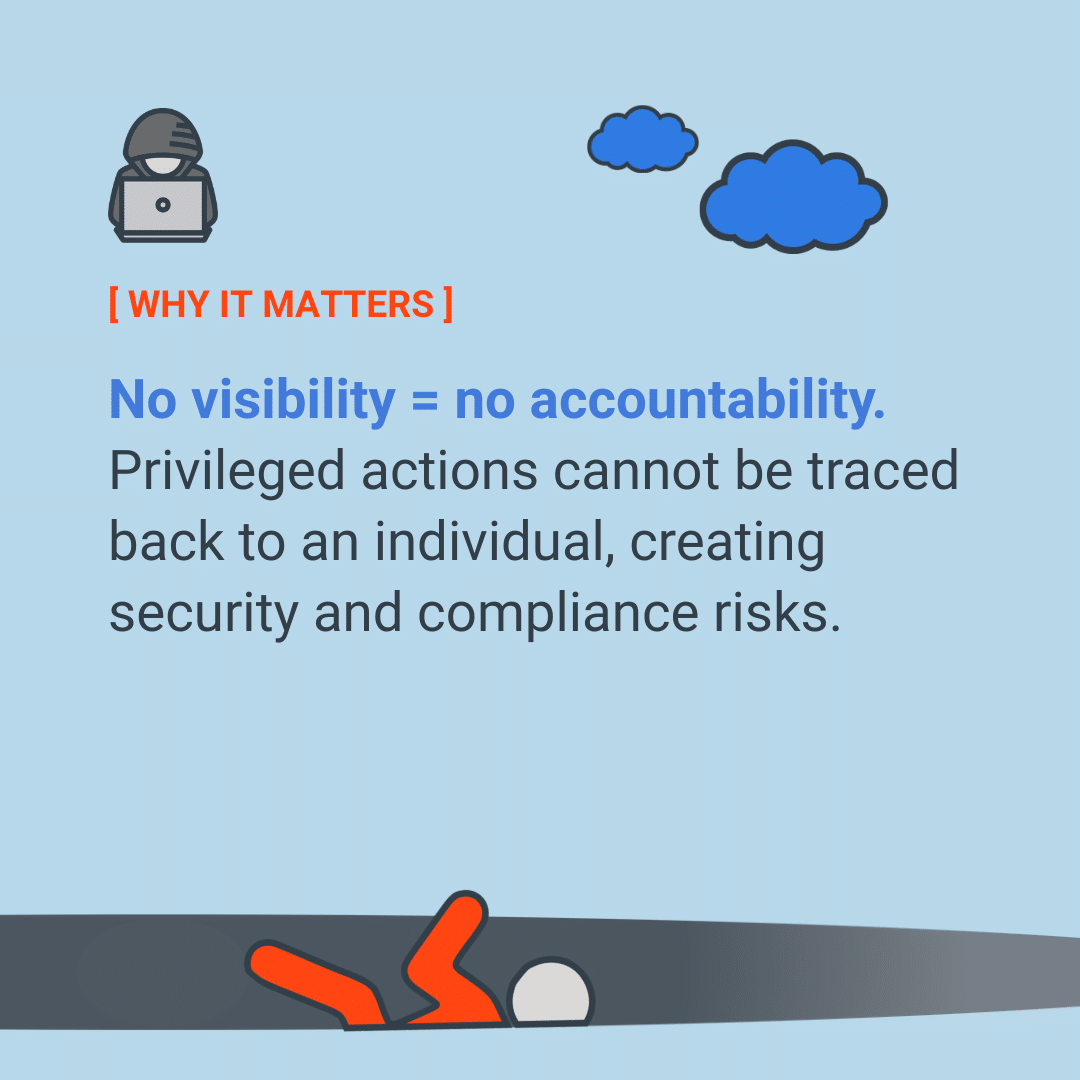
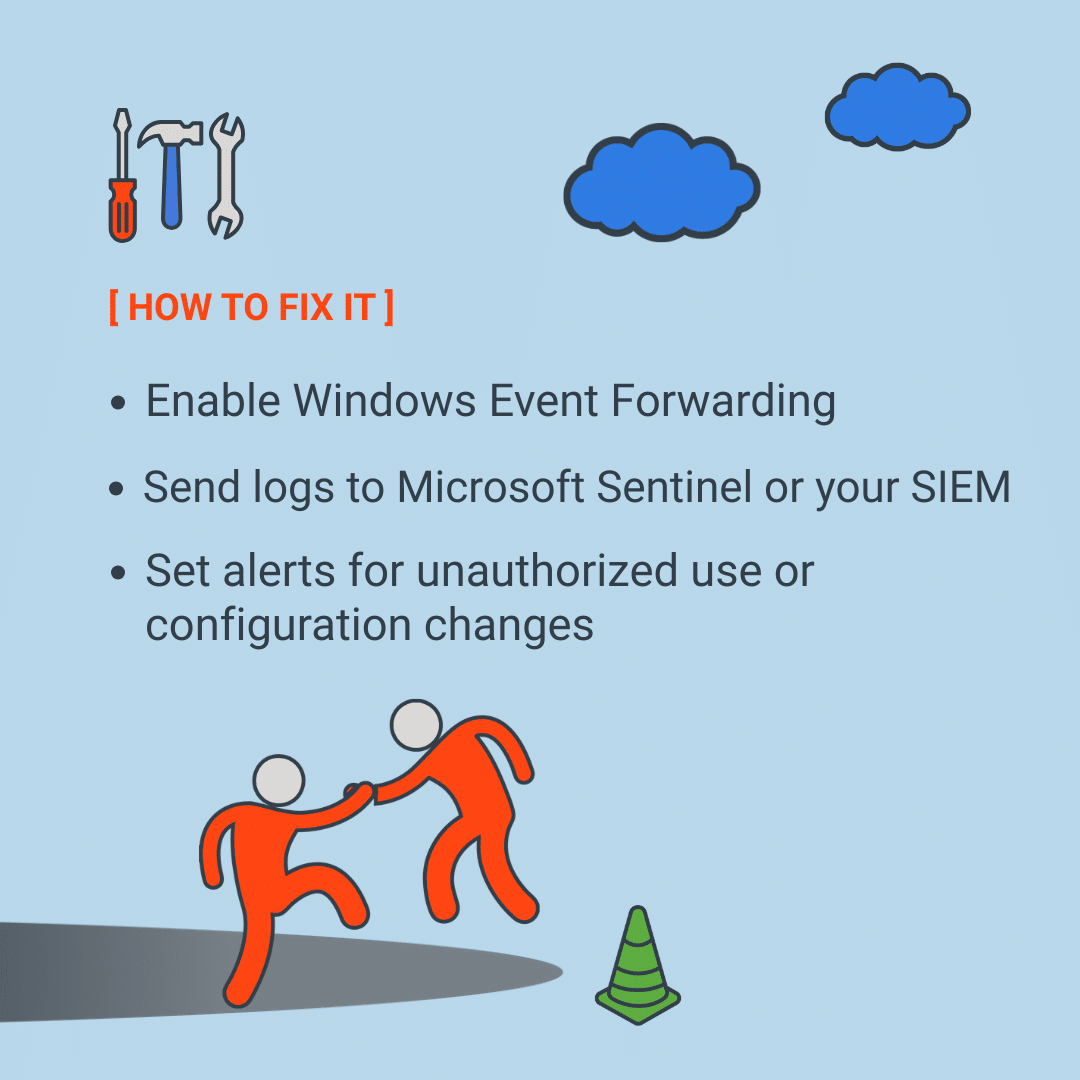
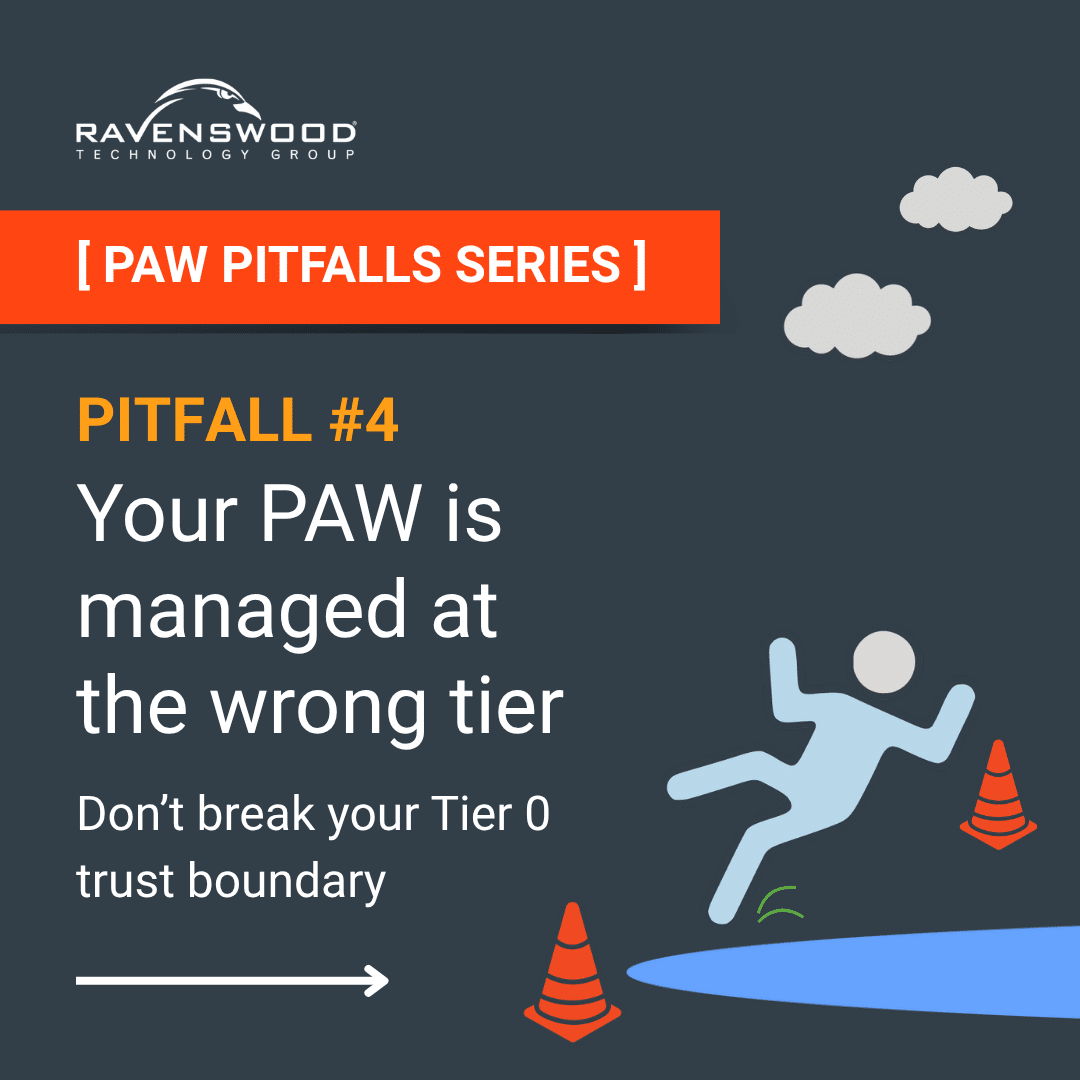
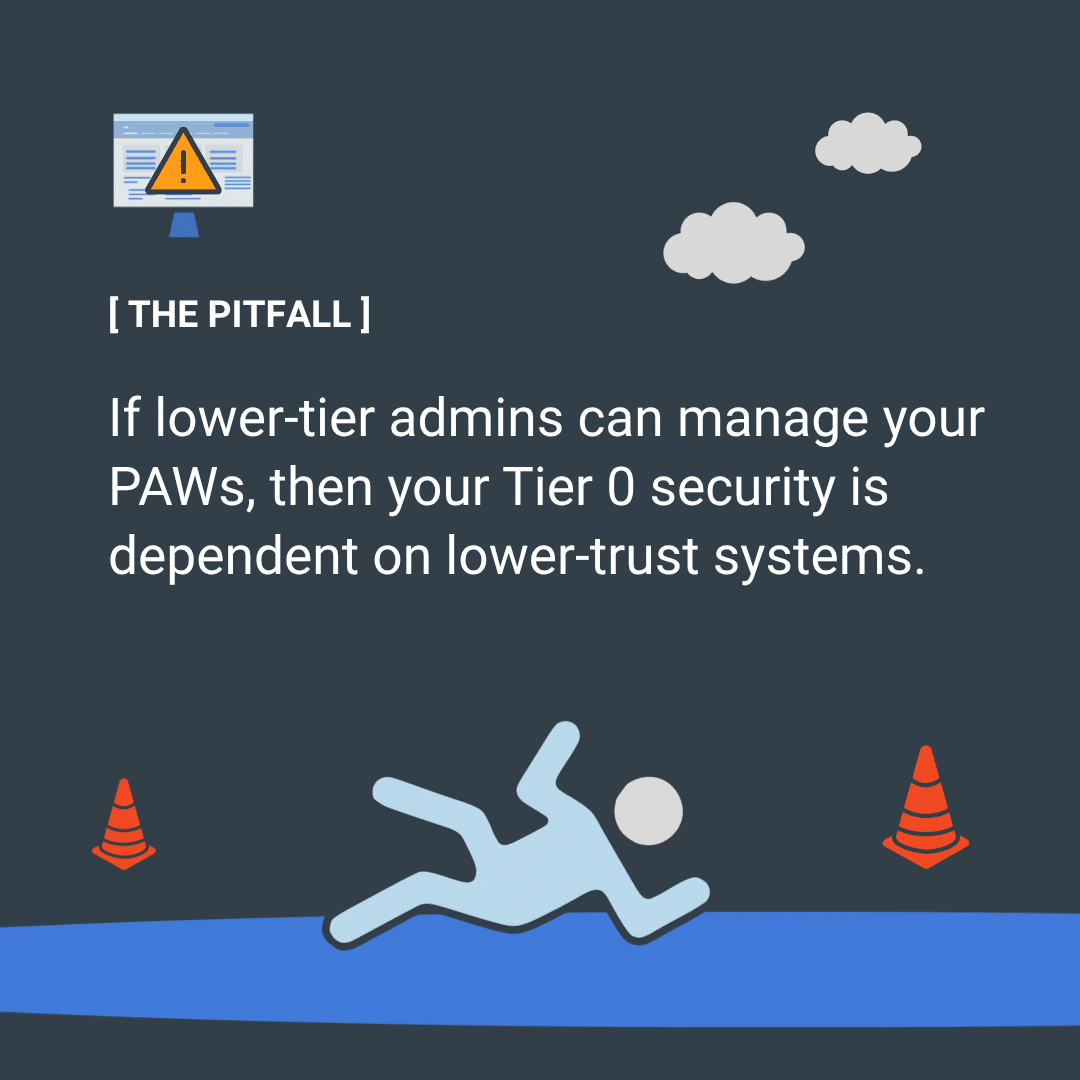
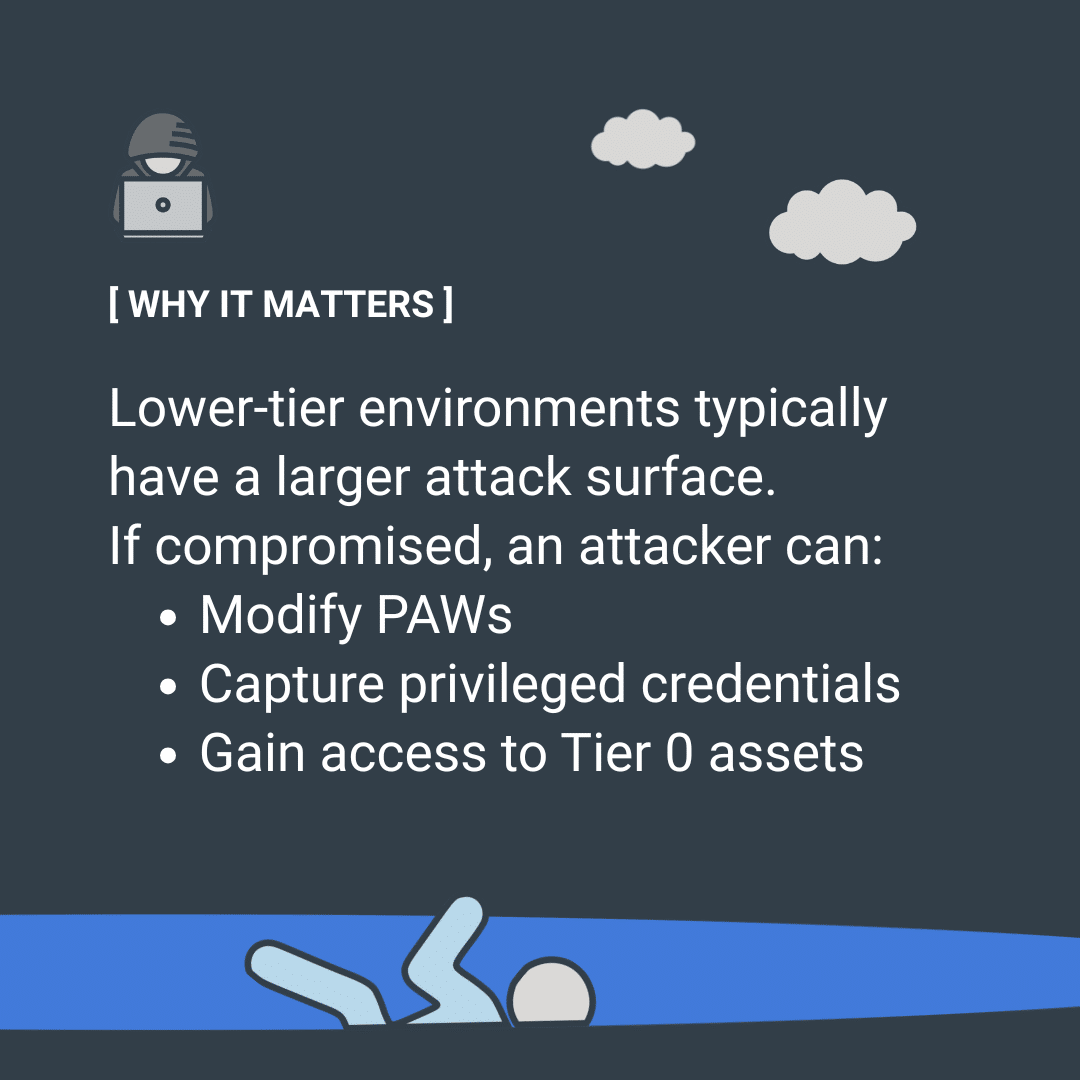
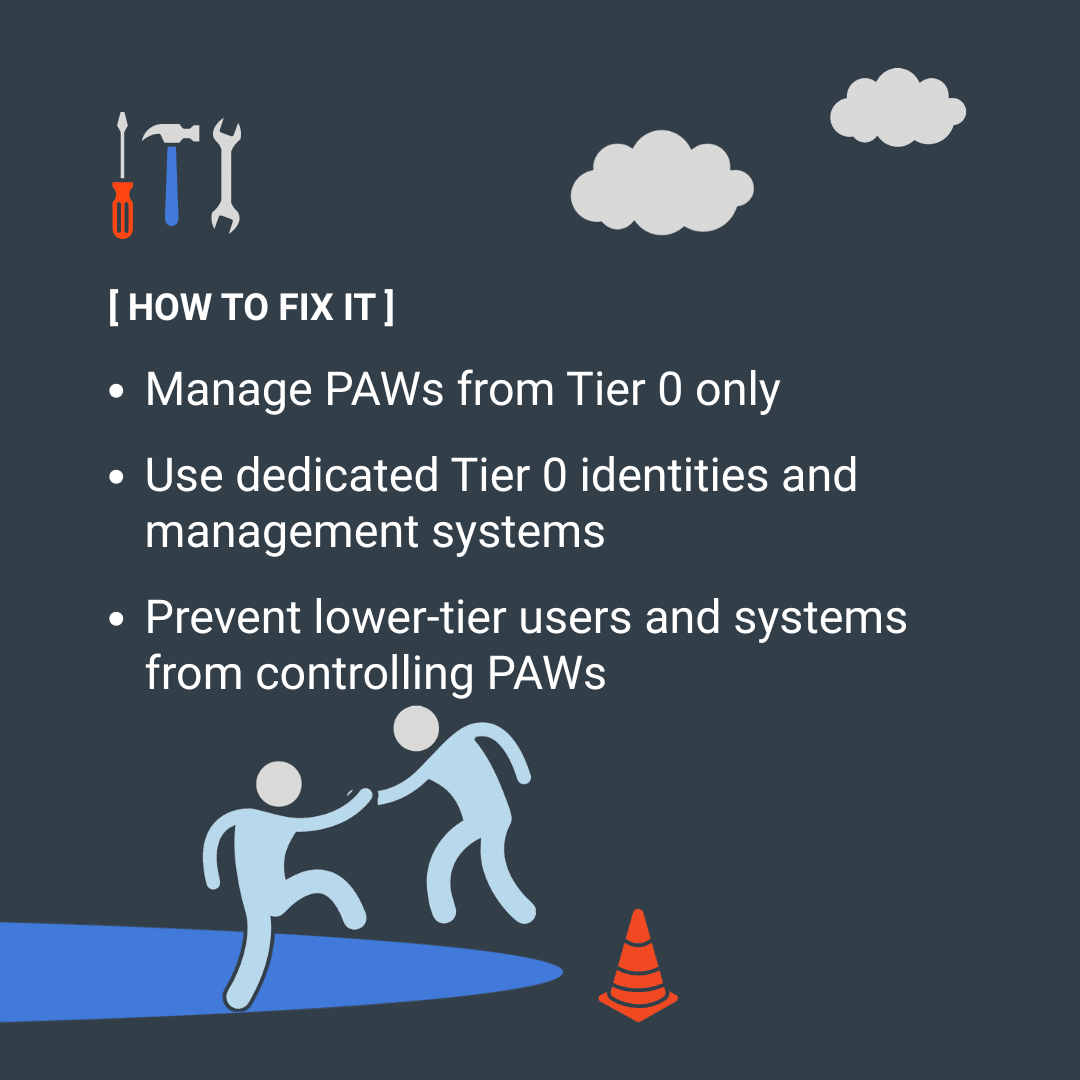
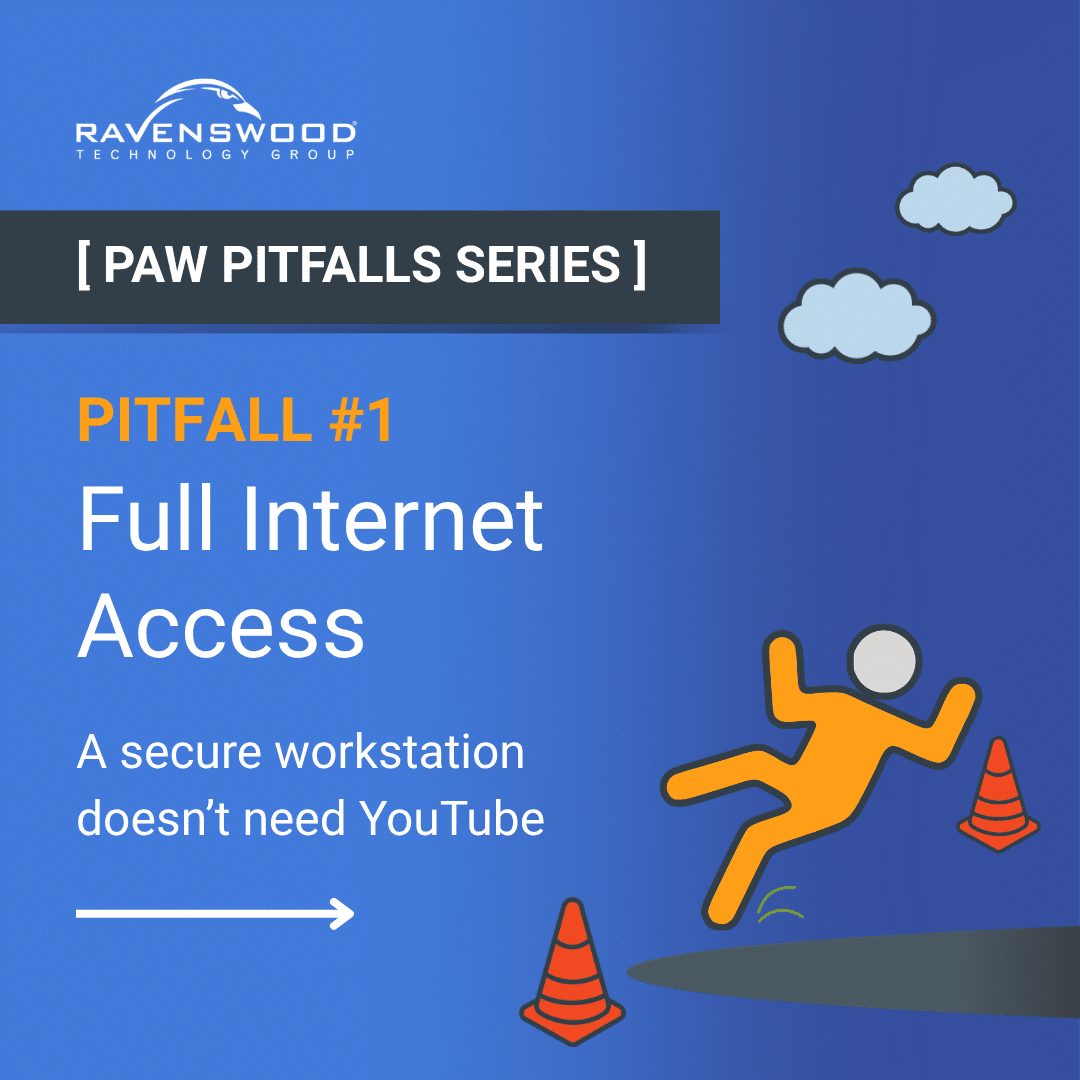
Most organizations deploying Privileged Access Workstations make the same mistakes — and most are entirely preventable. In our PAW Pitfalls series, we unpack the most common missteps one at a time, covering what the pitfall is, why it matters, and how to fix it.

[FROM THE BLOG]

Understanding the Active Directory Protected Users Group

Many organizations first learn about the Active Directory (AD) Protected Users group during an external audit or penetration test. It often begins with an auditor asking, “Why haven’t you placed [...]

The Essential Role of Active Directory Monitoring: Safeguarding Your On-Premises Infrastructure

Active Directory (AD) remains the backbone of identity and access management for countless organizations worldwide and monitoring your Active Directory environment is critical. Today we explore AD monitoring, why it [...]

Who Approved That Anyway? Auditing Access Requests in Microsoft Entra Identity Governance

To control access to sensitive applications, data or resources, organizations may create policies that require controls—such as approvals to be met—before a user can be granted access. Where there are [...]

Active Directory Migration: Key Steps and Best Practices

Helping someone move from one house to another can either be a smooth process or a stressful one that strains relationships. Similarly, migrating from one Microsoft Active Directory (AD) forest [...]

How to Manage the Active Directory Password Never Expires Attribute with PowerShell

If you’ve ever managed user accounts in Active Directory (AD), you have inevitably configured the password never expires flag on the account. The flag works exactly like the name implies: [...]

Ravenswood Technology Group is based in Chicago, IL but with customers around the world. We help companies, universities, and other organizations with less than 100 employees to over 500,000 build secure, hybrid infrastructure that enable their users to work from anywhere. 
© Ravenswood Technology Group, LLC

Privacy Settings